Empowering engineers with real-world design and simulation skills.



Learn More About MeetCAD!
Get an inside look at how MeetCAD transforms learners into industry-ready design professionals. From CAD modeling to BIM and real-world engineering projects—discover how our training helps you build the skills that top companies demand.
BENEFITS
Where Learning Meets Engineering Excellence
At MeetCAD, we empower engineers through hands-on CAD/CAM/CAE training, bridging the gap between theory and industry. Learn from experts, work on real projects, and build skills that shape innovation.
Practical Sessions
Every class is project-based, ensuring you gain the applied knowledge needed to solve real engineering and design challenges.
Certifications
Earn professional certificates that validate your expertise and give you a competitive edge in the global job market.
Expert Trainers
Our instructors bring real industry experience to every session, helping you master practical CAD/CAM/CAE workflows used by top companies.
Job-Oriented Curriculum
Learn the exact tools, standards, and workflows used by engineers and designers worldwide — preparing you for immediate job readiness.
1-to-1 Mentorship
Get direct support from expert mentors who guide you through concepts, correct your designs, review your projects, and help you grow faster with individualized attention.
Real-World Projects
Work on practical CAD/CAM/CAE projects that reflect real engineering challenges, helping you apply concepts, build confidence, and strengthen your professional portfolio.
OUR COURSES
One-on-One CAD Training Programs
Personalized CAD, CAM, and CAE courses designed around your goals, pace, and industry requirements—learn directly from experts with real-world experience.
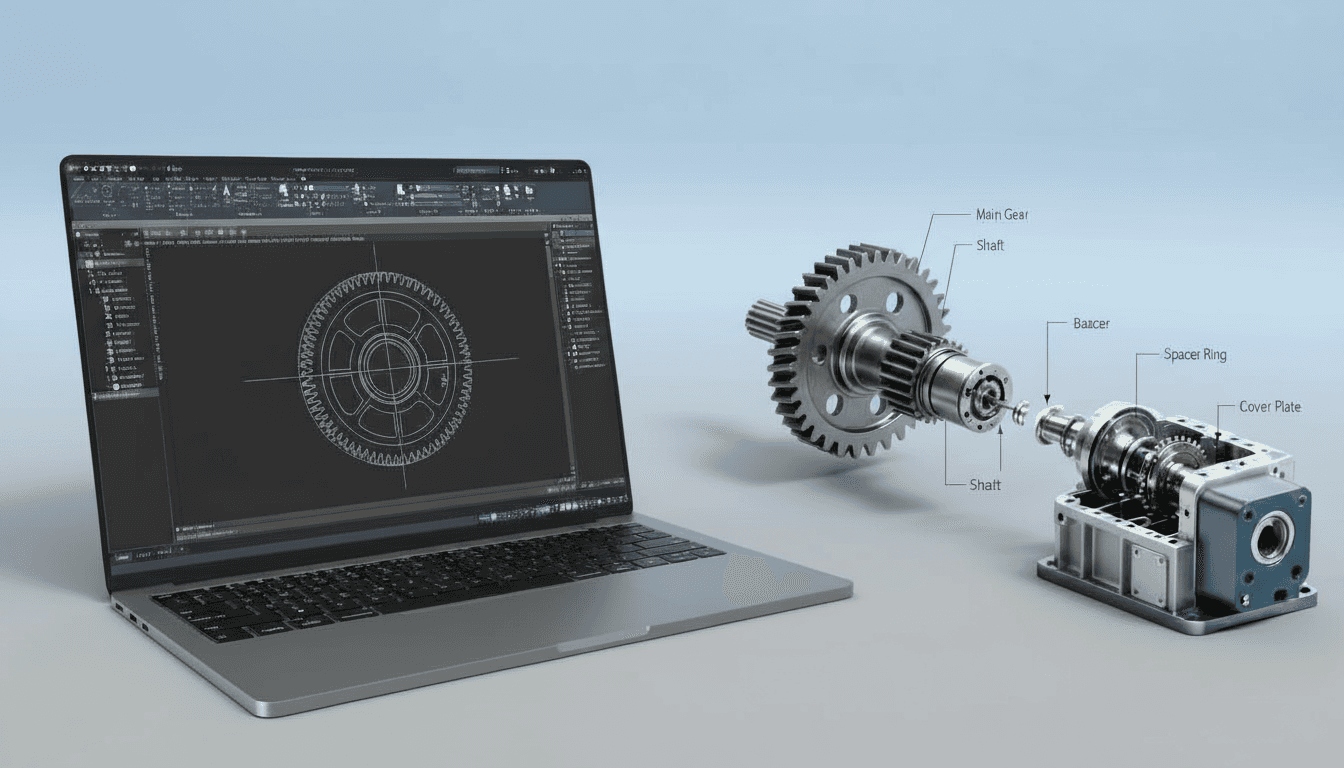
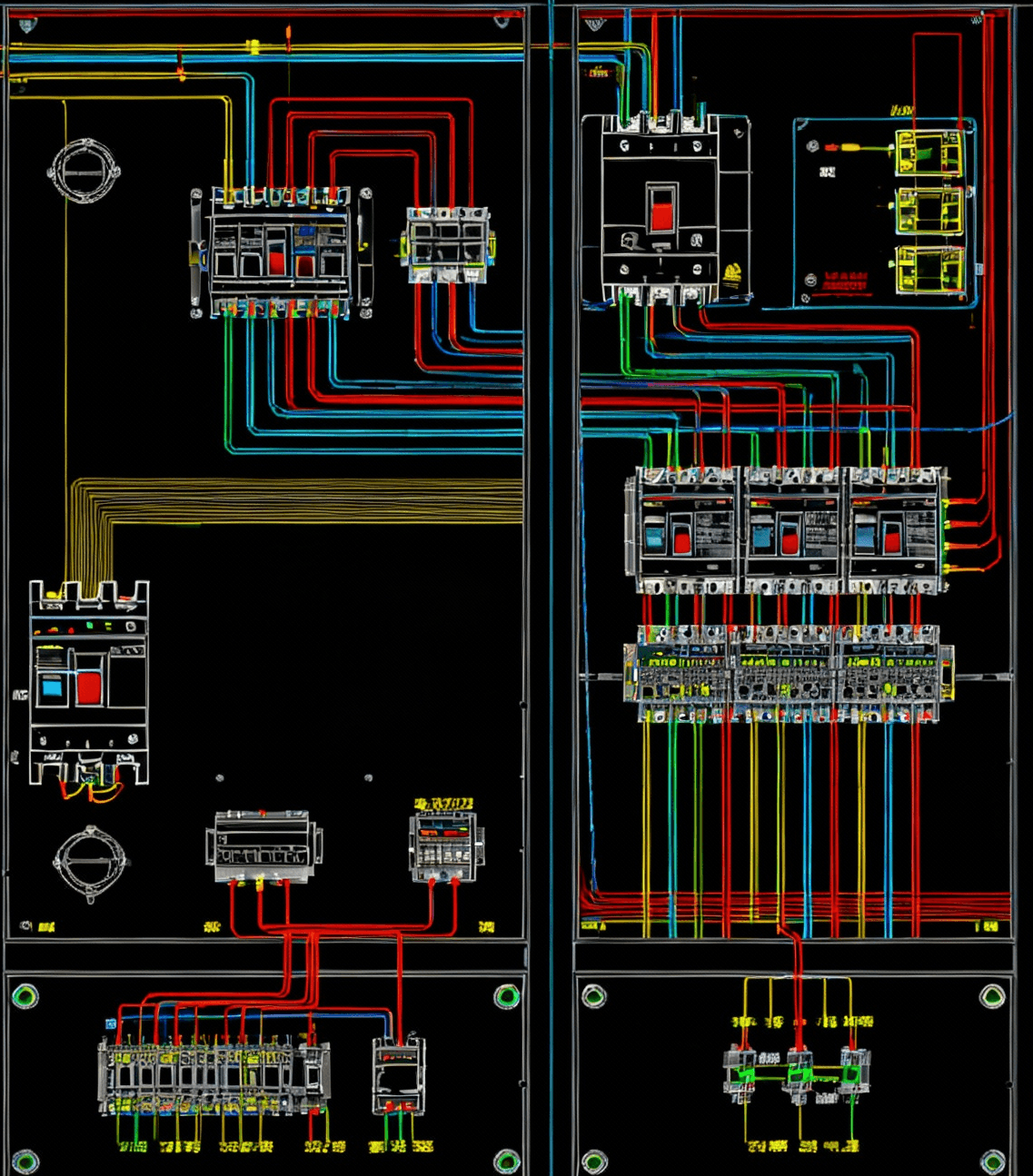
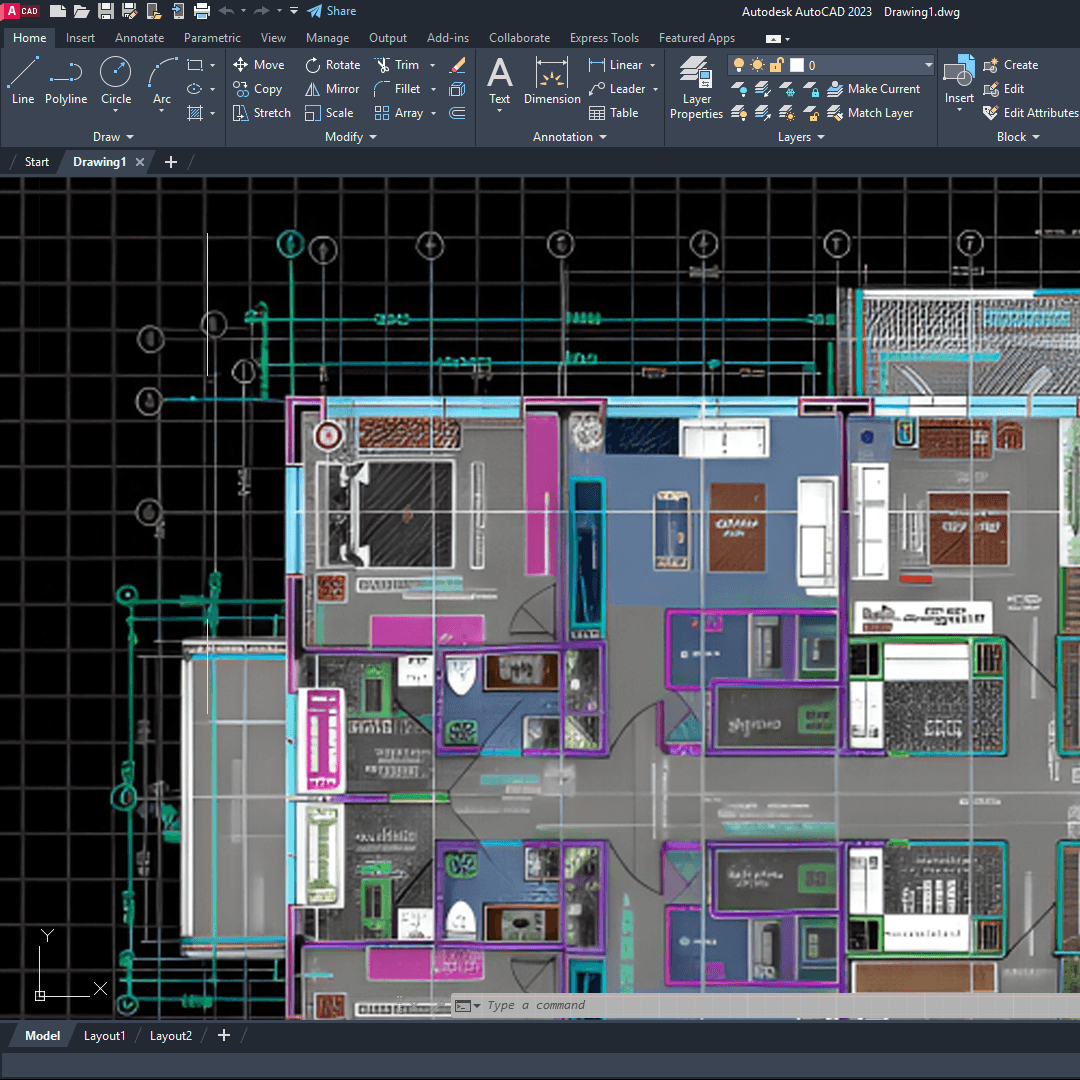
Student Projects
Innovation in Action
Discover how our students turn ideas into industry-grade designs through guided projects, simulations, and real-world applications.





Nikhil Patil
Student
"
A very supportive instructor who creates a highly interactive learning environment. The sessions were engaging, easy to follow, and extremely helpful.
Frequently Asked Questions
Wondering About Something? Let’s Clear Things Up!
We’ve gathered all the important info right here. Explore our FAQs and find the answers you need.
Who should join MeetCAD courses?
Engineering students, fresh graduates, and working professionals in mechanical, civil, electrical, architecture, and interior design who want job-ready CAD/CAM/CAE and visualization skills.
Do I need prior experience to enroll?
Basic familiarity with computers helps, but most courses start with foundational modules. Beginner-friendly tracks are available; advanced modules assume basic CAD knowledge.
How are classes delivered and what if I miss a session?
Live interactive classes with recordings provided for revision. Missed live sessions can be reviewed via recordings; one-to-one doubt sessions or make-up classes are available depending on the course tier.
What is included in the course fee and how is payment handled?
Fees cover live classes, recordings, project files/assets, and the final certificate. Payment options include UPI, cards, netbanking and EMI/instalment options for select programs. Fees update automatically when multiple programs are selected.
Will I receive a certificate and what is required to get it?
Yes — a certificate of completion is issued after submitting the capstone/project and meeting the course requirements. Premium tiers may include additional mentor reviews or graded assessments.
Do you provide placement support and portfolio help?
Yes — MeetCAD offers resume guidance, interview prep, portfolio review (capstone projects), and placement referrals for top performers. Premium students get dedicated mentoring for portfolio polish.
What software and licenses are required — do you provide them?
We teach industry-standard tools (AutoCAD, SolidWorks, Revit, CATIA, ANSYS, V-Ray, Lumion, etc.). Course files are compatible with common releases. License availability depends on the course — we provide trial/demo resources and recommend which versions to use; enterprise or extended licenses can be arranged for corporate/paid bundles.