AutoCAD Mechanical
Mechanical, electrical
Min Read
Design precision mechanical components faster with standard parts, symbols, and smart documentation tools.
Course Overview
Studio-grade AutoCAD training tailored for mechanical engineers, detailers, and CAD technicians. Project-based workflows, template governance, and one-on-one mentorship to produce fabrication-ready drawings, BOMs, and assembly documentation.
Why This Course
This course bridges the gap between basic AutoCAD use and professional mechanical drafting workflows used in fabrication shops and engineering offices. You'll learn how to set up mechanical templates, produce precise part and assembly drawings, manage layers/attributes for BOMs, and export production files for CNC, cutting, and fabrication. Emphasis is on repeatable standards, accuracy, and minimizing rework so your deliverables are ready for manufacture.
Project Modules—What You Will Build
Part Modelling & Detailing
· Parametric part sketches, projection views, section details, tolerances, and finish symbols for single components
Assemblies, Exploded Views & BOMs
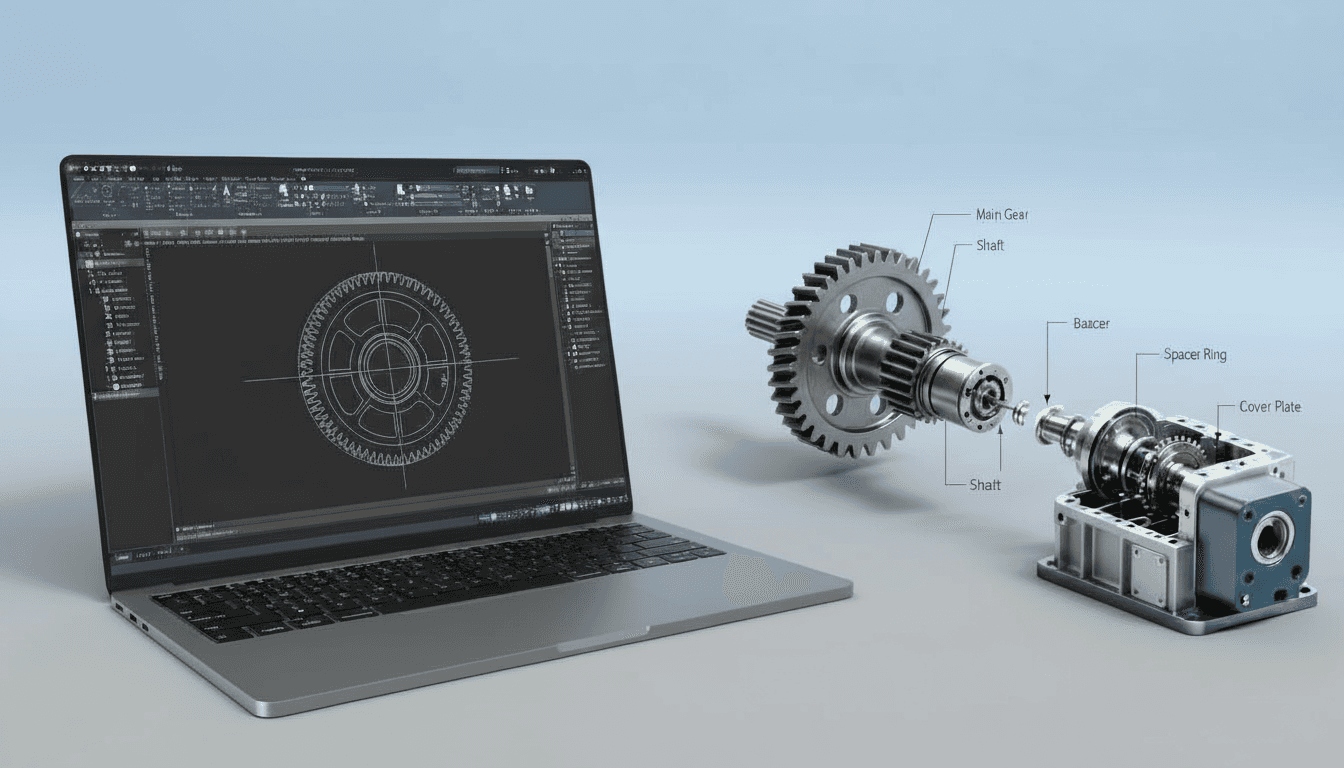
· Multi-part assemblies, exploded views, assembly exploded and ballooning methods, and automatic parts lists/BOM extraction using attributes
Production & Fabrication Drawings
· Fabrication sheets, gcode/CAM export basics, sheet set management, dimensioning standards, welding/fit-up details, and revision control
What Makes This Course Different?
We teach the "invisible" mechanical CAD skills that engineers and fabricators expect: robust template and layer systems, attribute-driven BOM workflows, and automation techniques. You'll learn to produce consistent, fabrication-ready drawings that integrate cleanly with CAM/CNC and supplier workflows.
Key Features
· Project-Based Modules: Part detailing, assemblies, and fabrication drawings
· Mechanical Templates and Standards: Titleblocks, layer naming conventions, and drawing frames
· Attribute and Block Workflows for automated BOMs and part numbering
· Dimensioning, Tolerancing, and GD&T basics for mechanical drawings
· Export Workflows: DXF/DWG for CAM, PDF sets, and simple gcode/CAM preparation tips
· Live Reviews: Weekly drafting critiques and QA checks
· Optional One-on-One Mentorship for project troubleshooting and portfolio polish
· Lifetime Access: Recorded sessions and downloadable DWG project files and templates
Who This Course Is For
· Mechanical engineers and engineering graduates producing shop drawings
· CAD technicians and detailers who prepare fabrication and assembly documentation
· Freelancers and makers who need reliable production drawings and CAM exports
· Small fabrication shops standardizing drawing and BOM workflows
· Students aiming for mechanical drafting roles in manufacturing and engineering firms
Learning Outcomes
· Produce accurate, fabrication-ready part and assembly drawings with correct projection, sections, and notes
· Set up and manage mechanical templates, layer systems, and titleblocks aligned to industry practices
· Automate BOMs and part numbering using blocks, attributes, and extraction workflows
· Apply dimensioning, tolerancing, and basic GD&T conventions for shop-ready documentation
· Export DWG/DXF/PDF sets and prepare data for CAM/CNC handoff with minimal rework
· Implement revision control and sheet set management for multi-drawing projects
Format & Schedule
· Delivery: 100% live online with real-time screen sharing, demos, and Q&A
· Options: Small Group Cohort OR 1-on-1 Private Training
· 1-on-1: Flexible scheduling tailored to your project deadlines
Similar Topic