AutoCAD (Civil & Architecture)
Civil, Architectural and interior design
Min Read
SkyTech is a mid-sized software company specializing in cloud solutions for businesses. For years, they faced challenges in accurately predicting their sales cycles and identifying key opportunities for growth. Their sales team was often left guessing which leads to prioritize, leading to missed opportunities and extended sales cycles. The company’s leadership knew they needed a more strategic approach to forecasting sales and optimizing lead generation, but they lacked the tools to make data-driven decisions effectively.
Course Overview
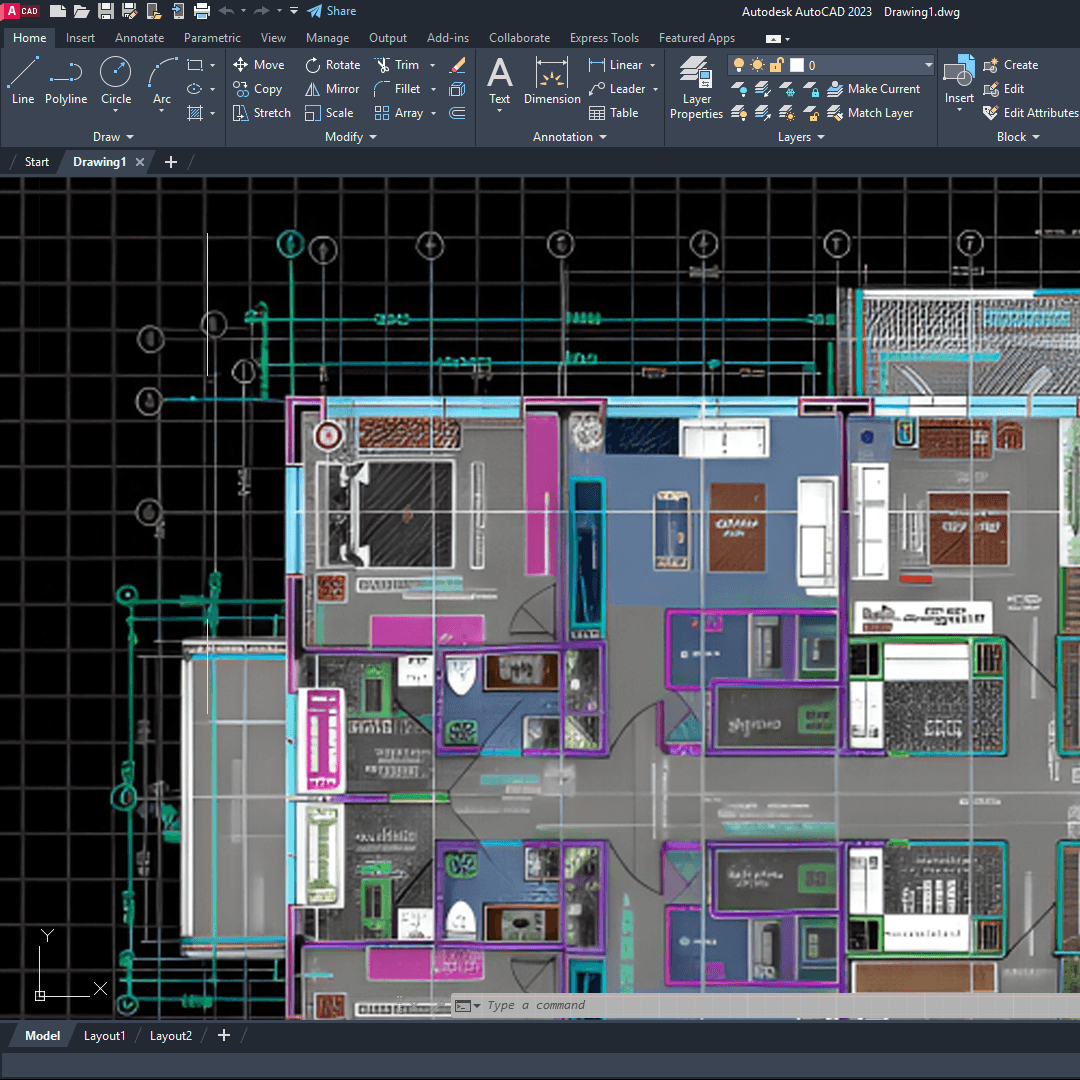
This course is designed to bridge the gap between basic software knowledge and professional studio requirements. It moves beyond simple line drawing to teach the specific drafting workflows used by top civil engineers, architects, and interior designers.
Through three distinct project modules, you will move from a blank screen to a complete set of production-ready documents:
1. Civil: A site plan and layout
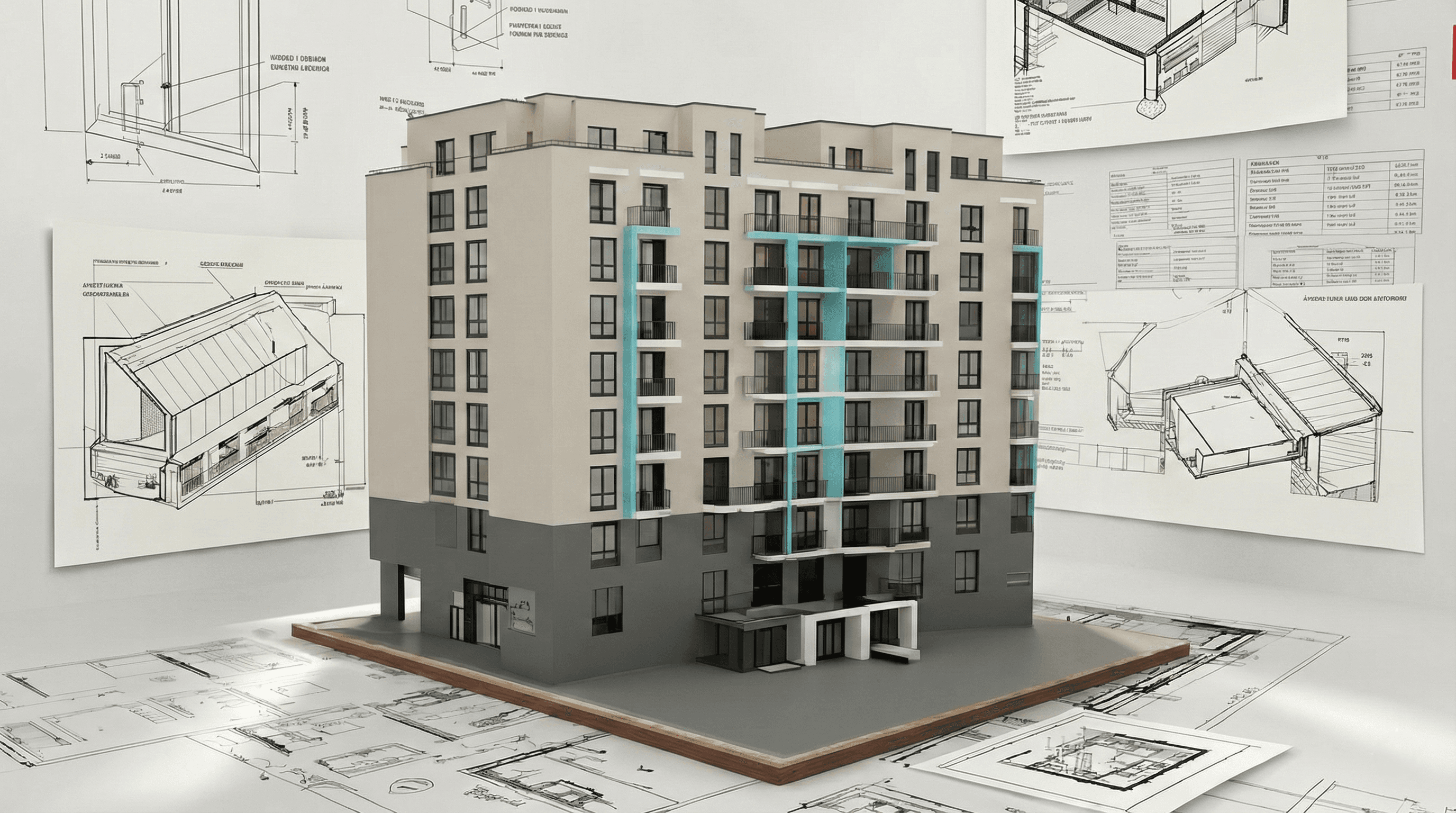
2. Architecture: Detailed floor plans and sections
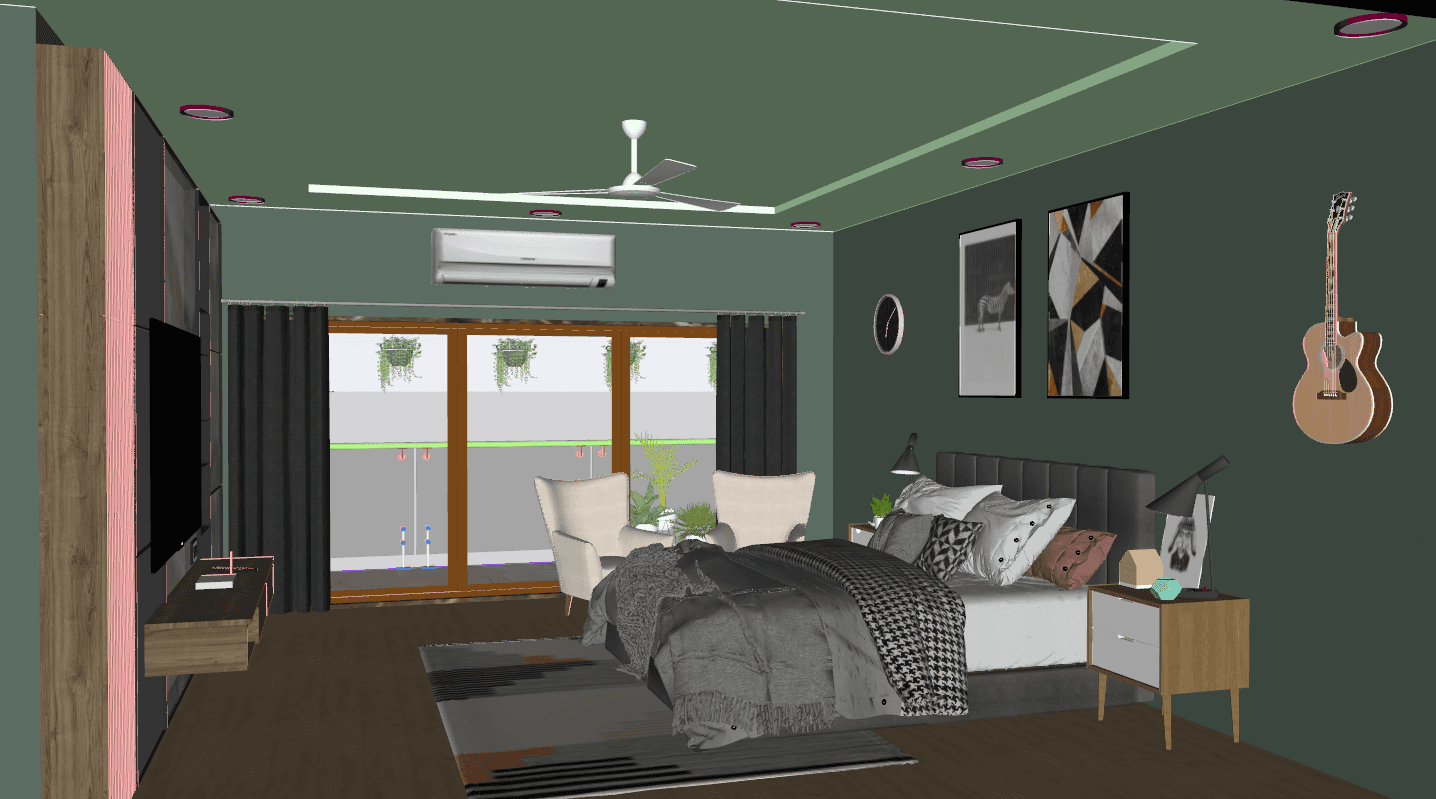
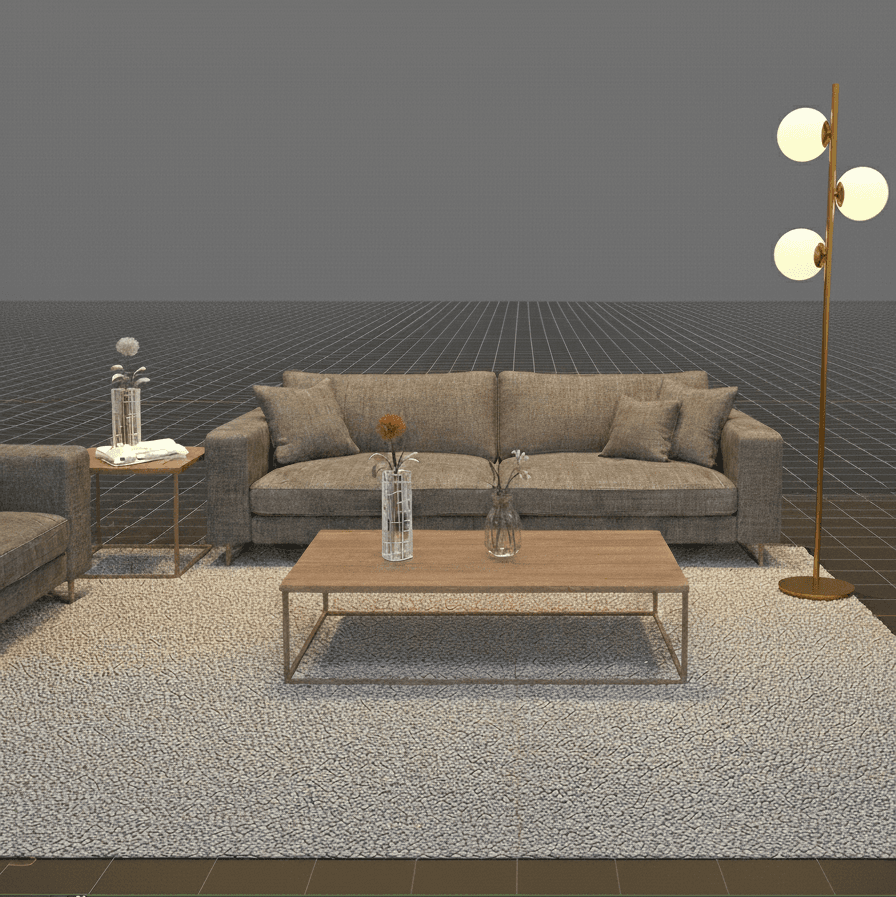
3. Interiors: A documentation set including reflected ceiling plans (RCP) and furniture layouts
What Makes This Course Different?
We focus on the "invisible" skills that employers look for: template management, annotation standards, and automation strategies that reduce drafting time by half. By the end of the course, you will not just know how to draw, but how to manage a project professionally.
Key Features
· Real-World Projects: Distinct modules for Civil (site), Architecture (plans/sections), and Interiors (RCP/layouts)
· Studio-Grade Assets: Access to professional titleblocks, layer standard systems, and block libraries
· Mentorship: Weekly live reviews and optional one-on-one sessions to refine your portfolio
· Automation Focus: Master dynamic blocks and layer filters to speed up repetitive tasks
· Deliverables: Learn plotting, sheet set management, and PDF publishing for client presentations
· Lifetime Access: Recorded sessions and downloadable DWG project files
Who This Course Is For
· Beginners with No Prior Background: Those with no prior experience who want to build correct, professional drafting habits from day one
· Civil Engineers: Civil engineers wanting to bridge the gap between theoretical design and the production of construction-ready site drawings
· Architects: Designers who want to create reliable, standardized architectural drawing sets
· Interior Designers: Creatives needing accurate plan, RCP, and furniture layout documentation
· Freelancers: Contractors aiming to standardize their delivery and reduce billable hours through automation
Learning Outcomes
· Produce accurate, construction-ready site, plan, section, and interior drawings
· Set up professional templates and titleblocks aligned to industry standards
· Use attributes and dynamic blocks to automate data entry and geometry changes
· Prepare multi-sheet PDFs and plot sets with correct scales and lineweights
· Present a polished, portfolio-ready DWG/PDF set to employers or clients
Format & Schedule
All sessions are conducted 100% online via live video conferencing, featuring real-time screen sharing and immediate instructor feedback. You can choose the learning environment that best fits your schedule:
Small Group Cohort OR 1-on-1 Private Training
· Structure: Personalized coaching with flexible pacing
· Timing: Sessions scheduled entirely around your availability
· Best For: Professionals needing to fast-track specific skills
The Capstone Project
Both tracks conclude with a comprehensive Capstone Project. You will apply every skill learned—from site layout to interior detailing—to produce a final, studio-grade portfolio set under instructor supervision.
Similar Topic