3ds Max
Civil, Architectural and interior design
Min Read
In today’s competitive landscape, AI is transforming how businesses approach marketing. From automation to predictive analytics, AI tools can help optimize campaigns, engage customers more effectively, and drive results. Here are 10 AI-powered marketing tips to supercharge your strategy in 2024.
Course Overview
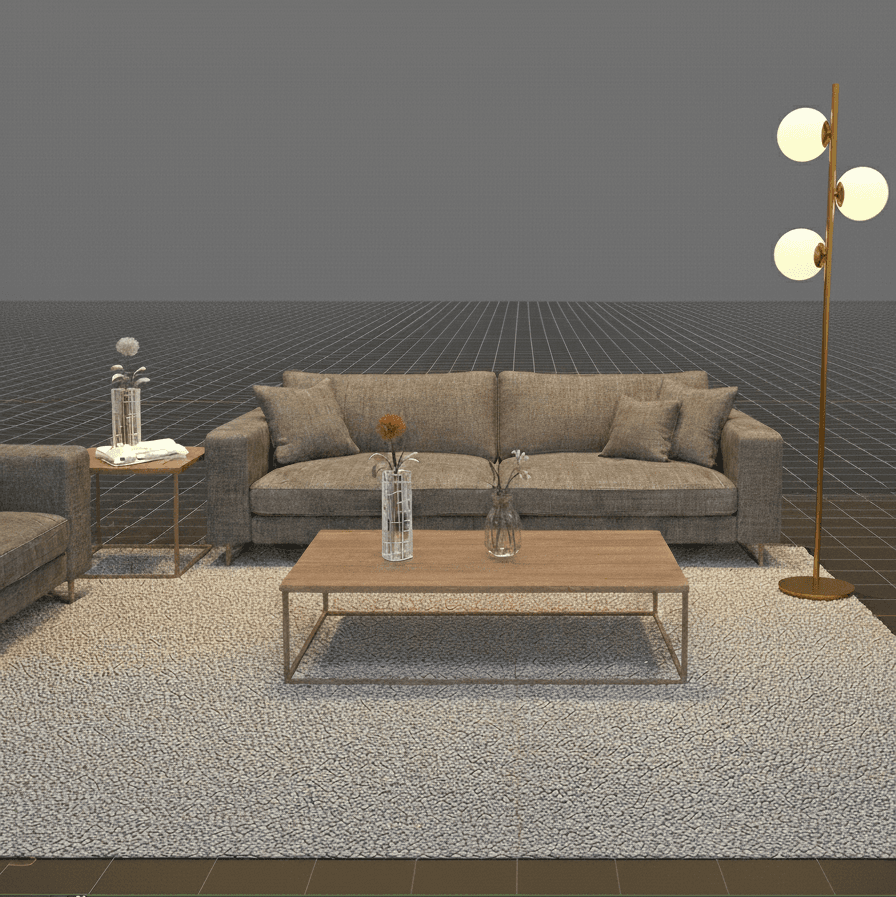
Studio-grade 3ds Max training for interior designers, architects, and visualisers. Learn production modelling, material authoring, lighting, and render pipelines to produce portfolio-ready stills and short walkthroughs. Project-based lessons, one-on-one mentorship, and downloadable scene files.
Why This Course
This course teaches production workflows used in professional studios to move from clean architectural models to photoreal interior and exterior visuals. You'll learn clean modelling standards, scene optimisation, PBR material creation, lighting setups, and render-pass discipline so your outputs are client-ready and easy to iterate. Emphasis is on repeatable templates, proxies, and render optimisation to meet deadlines without sacrificing quality.
Who This Course Is For
· Interior designers producing client presentation visuals and material studies
· Architects who want photoreal renders for design reviews and pitches
· Visualisers and freelancers building professional portfolio work
· Junior 3D artists seeking studio pipelines for stills and short animations
· Studio leads standardising 3ds Max asset libraries and render processes
What You Will Build
Clean Modelling & Scene Organization
· Modular modelling techniques for architecture and interiors: doors, windows, stairs, furniture
· Naming conventions, layers, object hierarchy, and proxy workflows to keep scenes light and collaborative
PBR Materials & Texture Workflows
· Material authoring using PBR maps, multi-subobject materials, and trim sheets
Lighting, Cameras & Look Development
· HDRI, IES, and physical lighting workflows; camera composition, exposure, and depth of field
· Look development for interiors and exteriors with test renders and lighting palettes
Rendering
· Arnold render setups: denoising, sampling, and optimization
· Compositing basics in color grading, layering passes, and final polish
Capstone Project
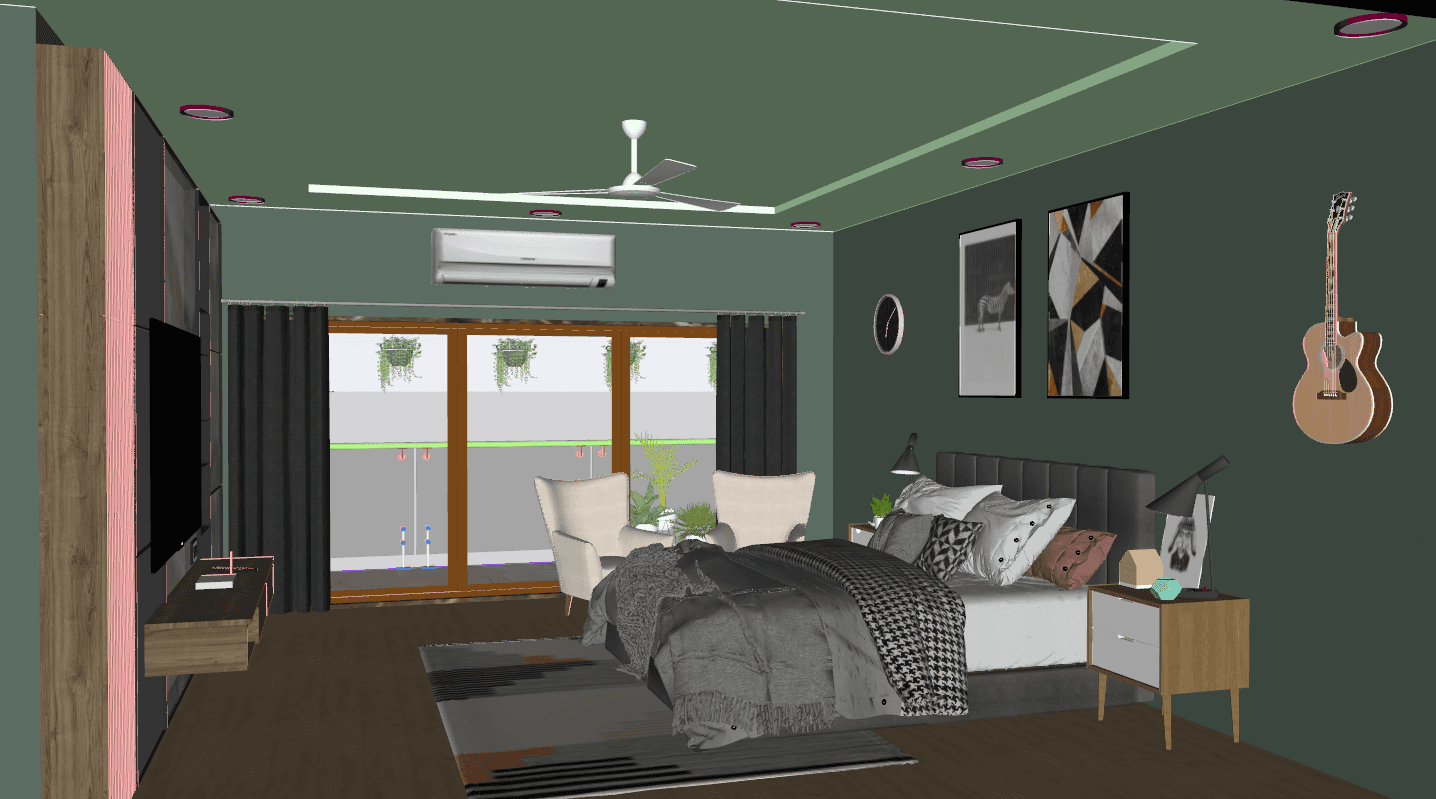
· Deliver a polished interior or exterior visualization including modeled environment, optimized materials, and a composited final image or short walkthrough video ready for your portfolio. Each capstone receives mentor feedback and a final checklist review.
Key Features
· Project-Based Modules from modelling to final composite
· Studio Asset Pack: Proxies, furniture sets, material libraries, and trim sheets
· Performance Strategies: Proxies, instances, and memory profiling for large scenes
· Weekly Live Reviews and optional one-on-one mentorship sessions
· Downloadable Scene Files, HDRIs, and texture packs
· Lifetime Access to recordings and assets
Learning Outcomes
· Model clean, production-ready architectural and interior geometry with correct hierarchy and proxies
· Create realistic PBR materials and manage texture pipelines including Substance workflows
· Light interiors and exteriors to match design intent and client briefs
· Configure and produce professional final images
· Optimize scenes for faster renders and prepare assets for animation
· Deliver portfolio-ready stills and short walkthroughs suitable for client presentations
Format & Schedule
· Delivery: 100% live online with real-time demos, screen sharing, and Q&A
· Options: Small Group Cohort OR 1-on-1 Private Training
1-on-1: Flexible scheduling for project-focused acceleration
Similar Topic