SolidWorks
Mechanical, electrical
Min Read
Artificial Intelligence (AI) is no longer a futuristic concept; it’s transforming the way businesses operate across industries. From improving customer service to streamlining operations and providing data-driven insights, AI is becoming an essential tool for companies aiming to stay competitive in an ever-evolving market.
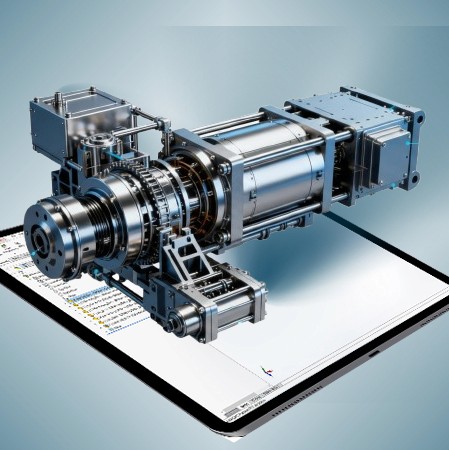
Course Overview
Studio-grade SolidWorks training for mechanical engineers, product designers, and CAD technicians. Project-based workflows, surfacing and assembly strategies, drawing automation, and one-on-one mentorship to produce fabrication-ready models, BOMs, and manufacturing drawings.
Why This Course
This course teaches the practical, production workflows used by engineering and product teams to move from concept sketches to manufacturable parts and assemblies. You'll learn parametric modelling, top-down assembly techniques, surfacing for complex shapes, drawing automation, and export workflows for CAM and 3D printing. Emphasis is on repeatable standards, design for manufacturability, and CAD automation that reduces iteration time and delivery risk.
Who This Course Is For
· Mechanical engineers and design engineers producing part and assembly models
· Product designers and industrial designers needing manufacturable CAD
· CAD technicians and detailers preparing fabrication drawings and BOMs
· Freelancers, makers, and small shops delivering production models and prototypes
· Students seeking professional SolidWorks skills that translate to industry roles
What You Will Build
Module 1—Part Modelling and Parametrics
· Sketch discipline, feature planning, parametric constraints, and best practices for robust part models
· Create production parts with fillets, chamfers, patterning, and design tables for family variations
Module 2—Sheet Metal
· Fundamentals of sheet metal design including base features, bends, flanges, and reliefs
· Create flat patterns and export for manufacturing
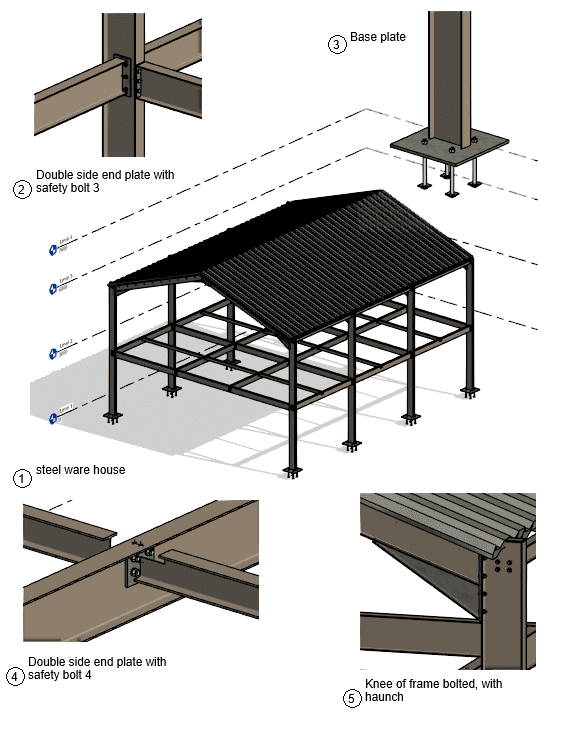
Module 3—Weldments
· Structural member design, profiles, and weld bead features
· Create cut lists and prepare fabrication drawings
Module 4—Assemblies and Top Down Design
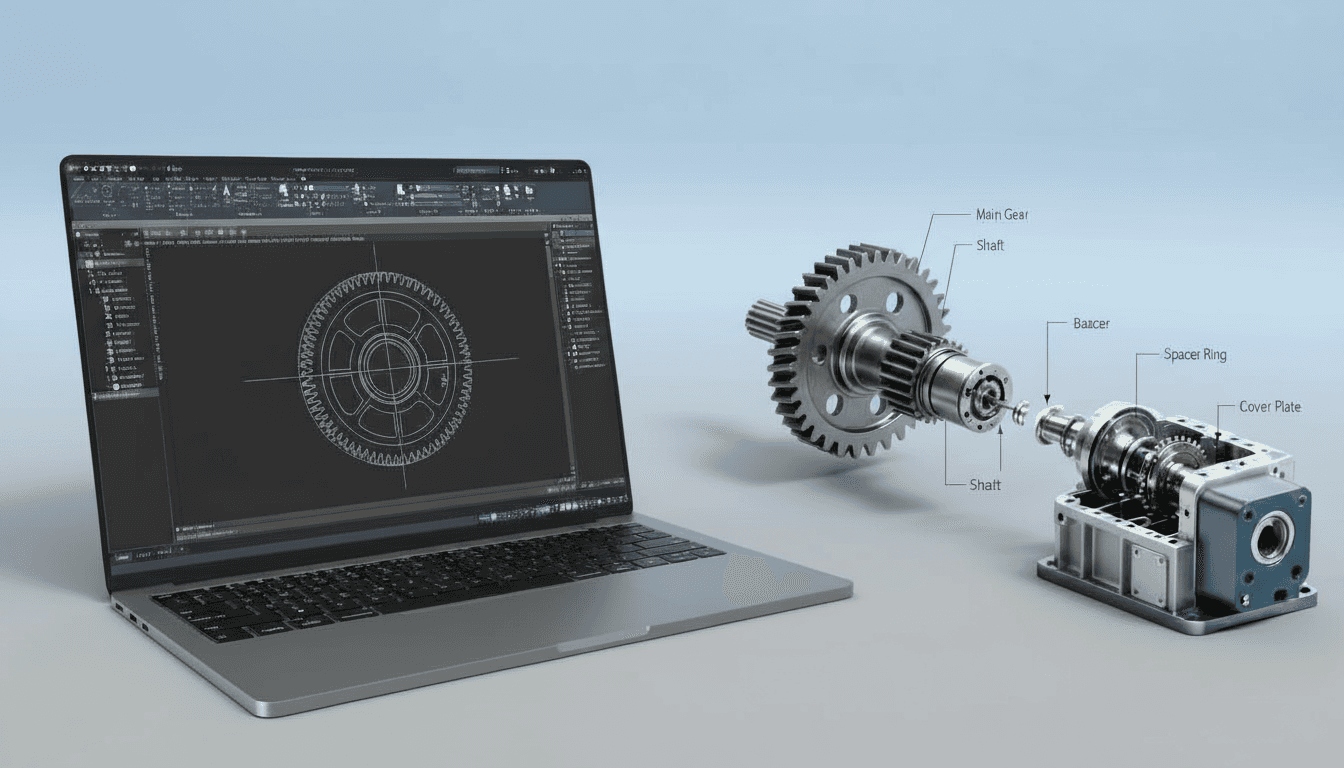
· Top-down assembly workflows, mates, subassembly strategies, interference checks, and lightweight techniques for large assemblies
· Motion basics, exploded views, and assembly level configurations for manufacturing and manuals
Module 5—Surfacing and Complex Geometry
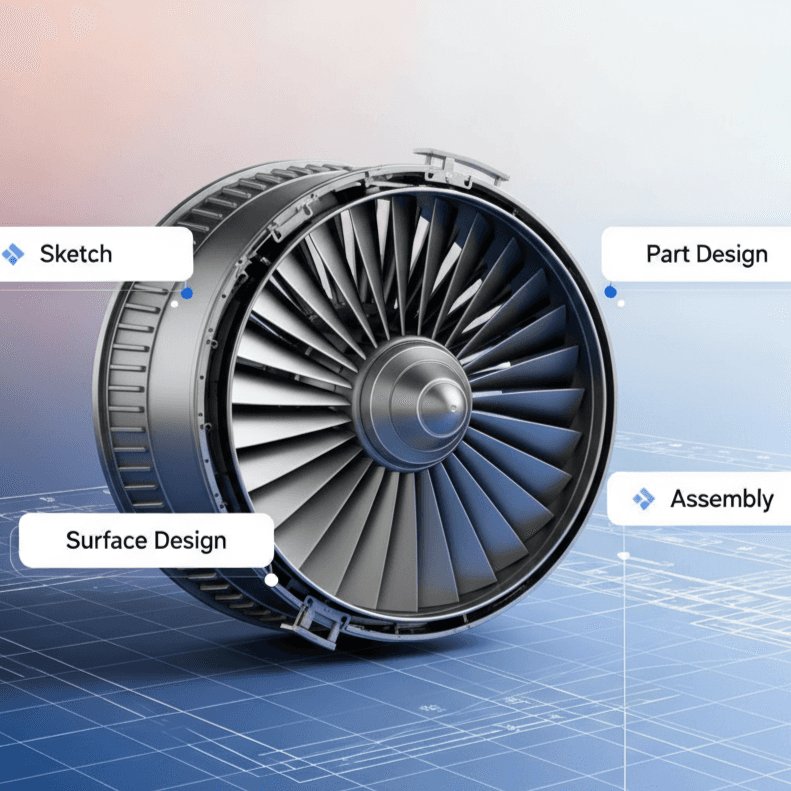
· Surface modelling essentials for organic and ergonomic shapes, boundary/loft/patch workflows, and surfacing clean-up for downstream fabrication
Module 6—Drawings, BOMs and Manufacturing Exports
· Automated drawing creation, multiple views, section/detail callouts, GD&T basics, and custom titleblock automation
· BOM extraction, part numbering, revision control, and export to DXF/DWG and CAM formats; STL prep for 3D printing
Capstone Project
· Deliver a complete product package: parametric part(s), assembled product, detailed drawing set, BOM, and manufacturing export files ready for prototyping or fabrication. Includes mentor critique and revision checklist.
Key Features
· Project-Based Modules from part to assembly and drawings
· SolidWorks Templates and design table examples for production use
· Surfacing Toolkit for complex product forms and ergonomic components
· Assembly Strategies for performance and collaboration in large models
· Drawing Automation, Custom Properties, and BOM workflows for fabrication readiness
· CAM and 3D Printing Export best practices including STL/DXF preparation
· Weekly Live Reviews and optional one-on-one mentorship sessions
· Lifetime Access to recordings, sample parts, assembly files, and template packs
Learning Outcomes
· Build robust, parametric part models using feature planning and design intent
· Assemble complex products using efficient mate strategies and top-down design approaches
· Create clean surfaces for ergonomic or organic shapes suitable for manufacturing
· Generate production drawings with correct views, sections, GD&T, and automated BOMs
· Prepare files for CAM, CNC, and additive manufacturing with minimal rework
· Implement CAD standards, templates, and automation to speed repetitive tasks and maintain quality
Format & Schedule
· Delivery: 100% live online with real-time screen sharing, demos, and Q&A
· Options: Small Group Cohort OR 1-on-1 Private Training
· 1-on-1: Flexible scheduling tailored to your project deadlines and learning pace
Similar Topic