SketchUp
Civil, Architectural and interior design
Min Read
The business landscape is undergoing a significant transformation, thanks to the rapid adoption of AI-driven technologies. From automating routine tasks to providing actionable insights, AI is no longer a futuristic concept—it's an essential tool that businesses are using to streamline operations, enhance decision-making, and drive growth.
Course Overview
This course teaches practical, studio-grade SketchUp workflows used to move from quick concept massing to presentation-ready 3D models. You'll learn how to model confidently, organize your model for collaboration, create clean scenes and exports for documentation, and produce visuals that integrate with rendering pipelines. The course focuses on speed, accuracy, and portfolio outcomes so you graduate ready to contribute in studios or take on freelance projects.
Project Modules—What You Will Build
· Concept Massing & Site Study: Rapid massing models, site context, shadow studies, and basic solar analysis
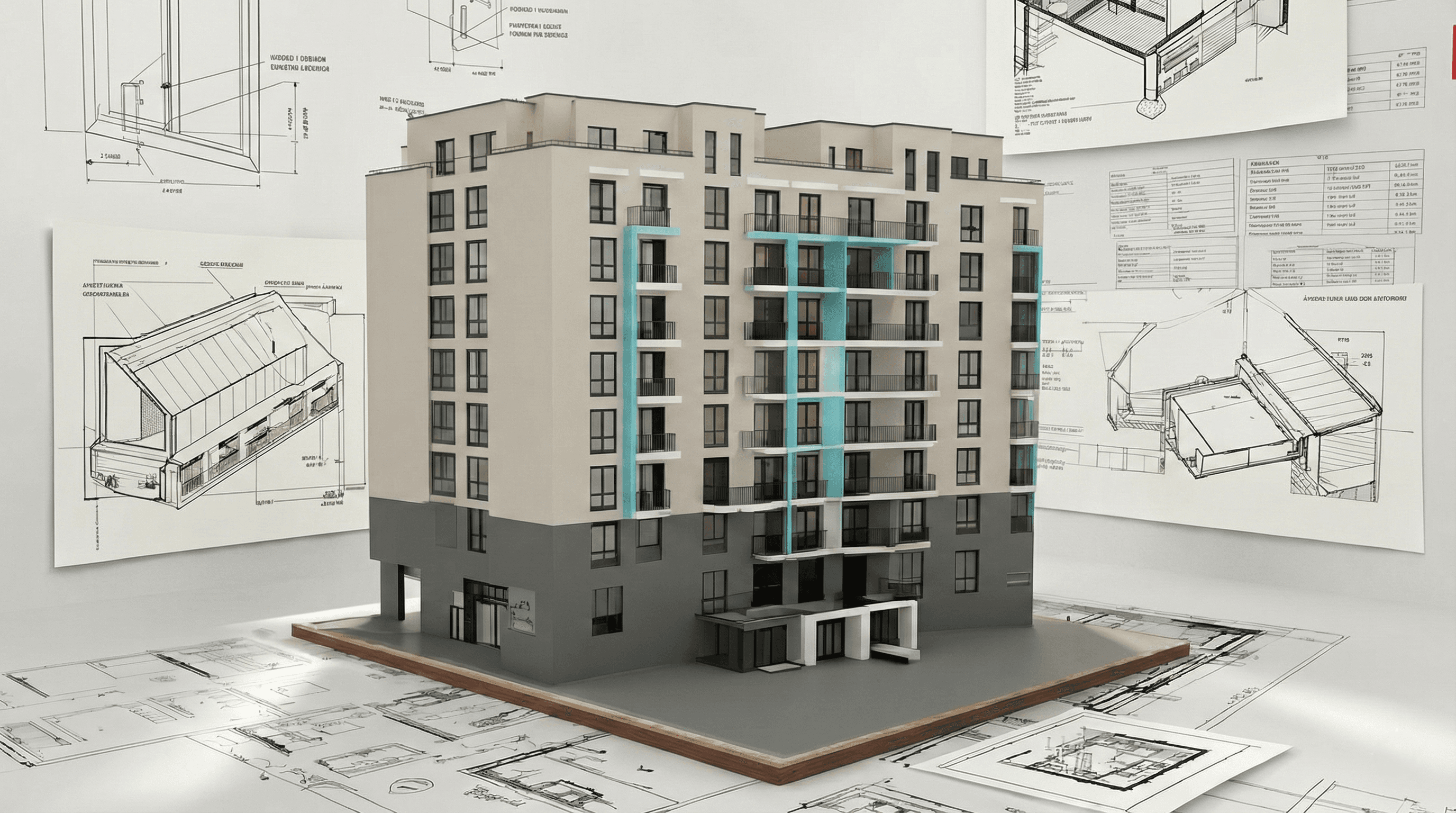
· Architectural Model & Documentation: Accurate building shells, sections, scene-based views, and export workflows for CAD and BIM
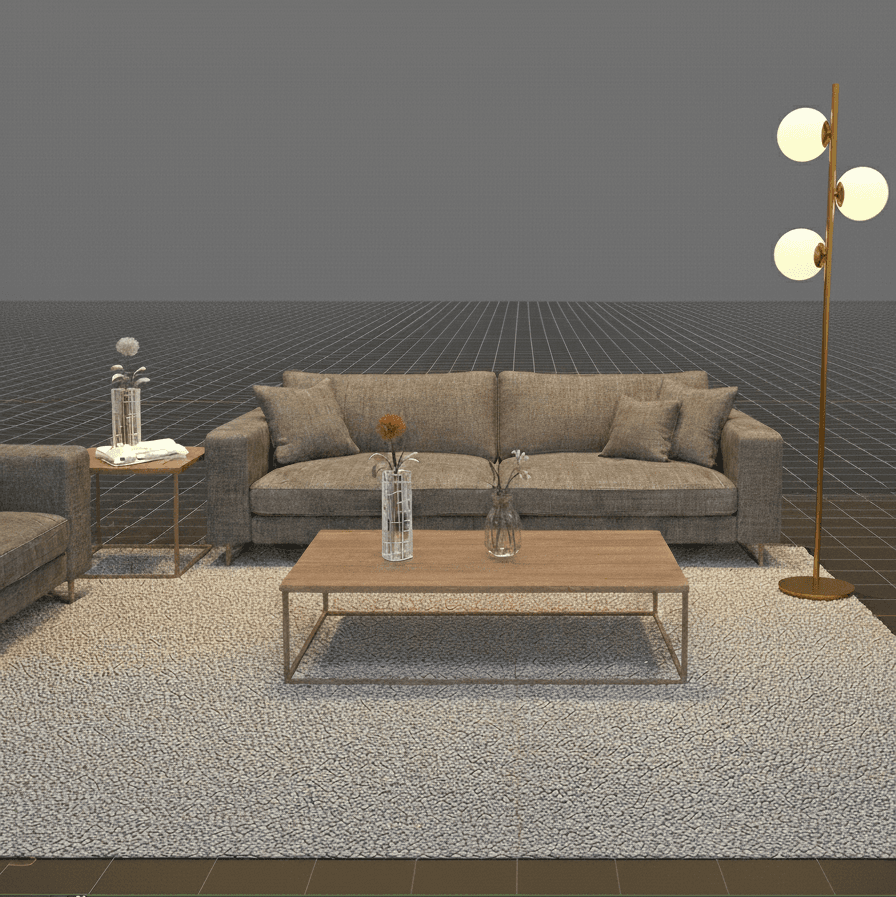
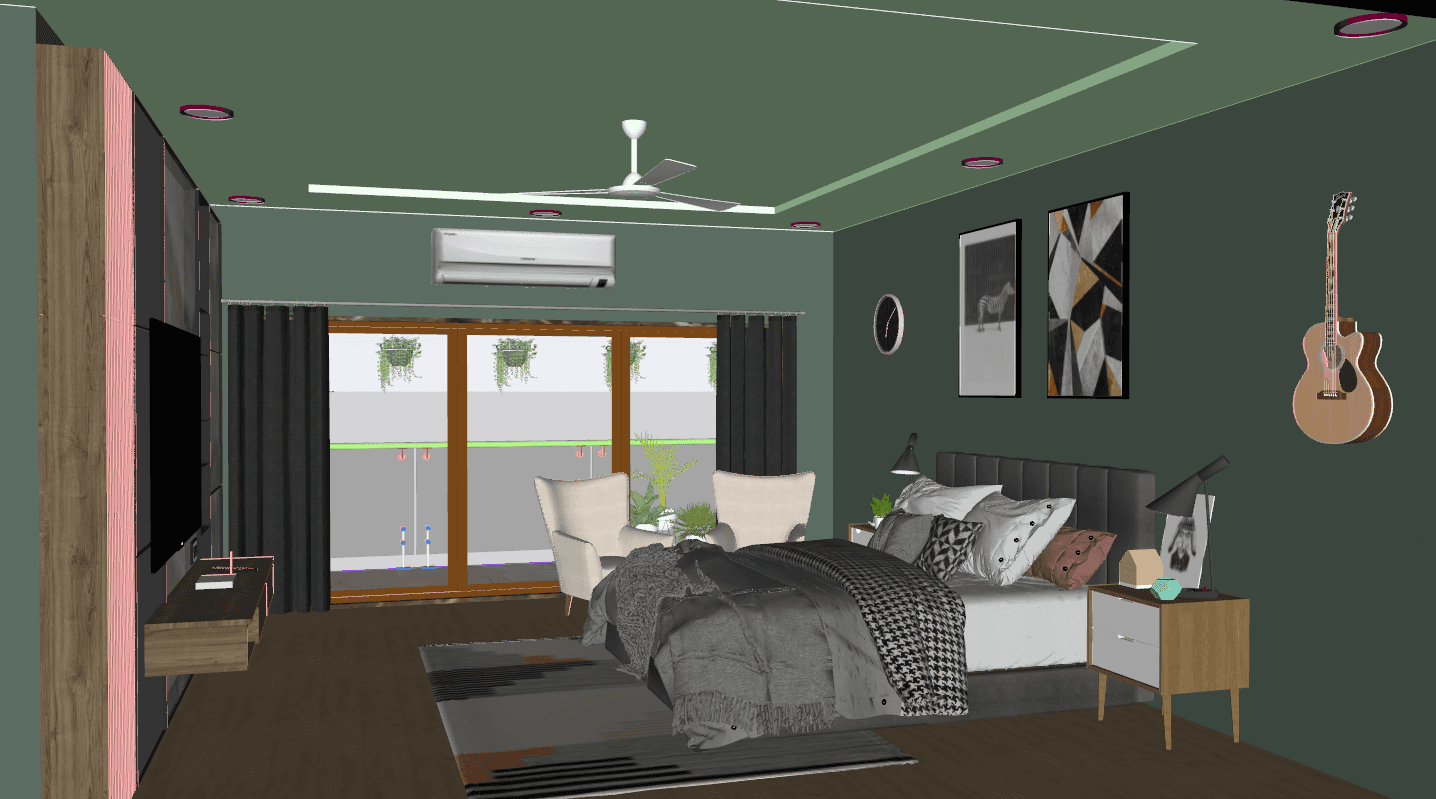
· Interior Model & Presentation Set: Furnished interior model, layout of furniture and fixtures, RCP-ready scenes, and presentation board exports
What Makes This Course Different?
We teach the invisible, productivity skills studios expect: strict model organization, efficient components and layers, smart scene setup, and export conventions that avoid rework. You'll learn to build SketchUp models that are not just pretty but production-ready—lightweight, annotated, and easily integrated into downstream workflows (CAD, V-Ray, Lumion, Revit). Emphasis is on reusable templates and asset libraries that reduce modelling time and improve handoffs.
Key Features
· Project-Based Modules: Massing, architectural model, interior presentation
· Studio Templates: Organized component libraries, layer/Outliner standards, and file naming conventions
· Live Reviews: Weekly model critiques and practical tips for cleaner, faster models
· One-on-One Mentorship: Optional private sessions to solve your specific project issues
· Export Workflows: CAD exports, Collada/FBX for renderers, and clean PDF/PNG presentation exports
· Performance Focus: Strategies to keep models lightweight and collaborative
· Lifetime Access: Recorded sessions and downloadable SKP model files and assets
· Portfolio Deliverable: Presentation boards and clean model files for client or employer review
Who This Course Is For
· Architecture and interior design students building portfolio models
· Junior architects and visualisers needing faster, studio-grade SketchUp skills
· Interior designers creating client presentation models and RCP exports
· Freelancers who want reliable asset libraries and export pipelines
· Studio teams seeking standardised SketchUp modelling conventions
Learning Outcomes
· Model clean, production-ready SketchUp scenes for concept, architecture, and interiors
· Organize projects with components, groups, Outliner, and consistent layer/Tag strategies
· Create scenes, styles, and exports intended for CAD, rendering engines, and presentation boards
· Optimize models for performance and collaborative workflows (profiling, proxy assets)
· Produce portfolio-ready visuals and deliver clean SKP/DXF/FBX exports for clients or studios
Format & Schedule
· 100% live online classes with real-time screen sharing and Q&A
· Two delivery options: Small Group Cohort OR 1-on-1 Private Training
· Cohort format: 6–8 weeks, two 1.5–2 hour sessions per week; Weekend intensive available
· 1-on-1 format: Personalized coaching; schedule fully flexible based on your availability
· All students receive: Recorded sessions and asset downloads
Capstone Project
· Final Deliverable: A combined concept → architectural → interior set where you apply massing, detailed modelling, and presentation export to produce a studio-grade portfolio board and a clean model handoff package
· Mentored Review: Each capstone receives a live one-on-one critique (group cohorts get checklist feedback; premium students get a detailed mentor session)
Outcome: Publishable portfolio asset + downloadable SKP and export files
Similar Topic