Autodesk Inventor
Mechanical, electrical
Min Read
GreenLeaf is a leading e-commerce company specializing in sustainable products and eco-friendly home goods. While their business was growing steadily, they were facing increasing challenges in managing their inventory and supply chain processes efficiently. GreenLeaf’s manual operations were prone to errors, and the company frequently found itself in either overstock or stockout situations, which hurt both profitability and customer satisfaction.
Course Overview
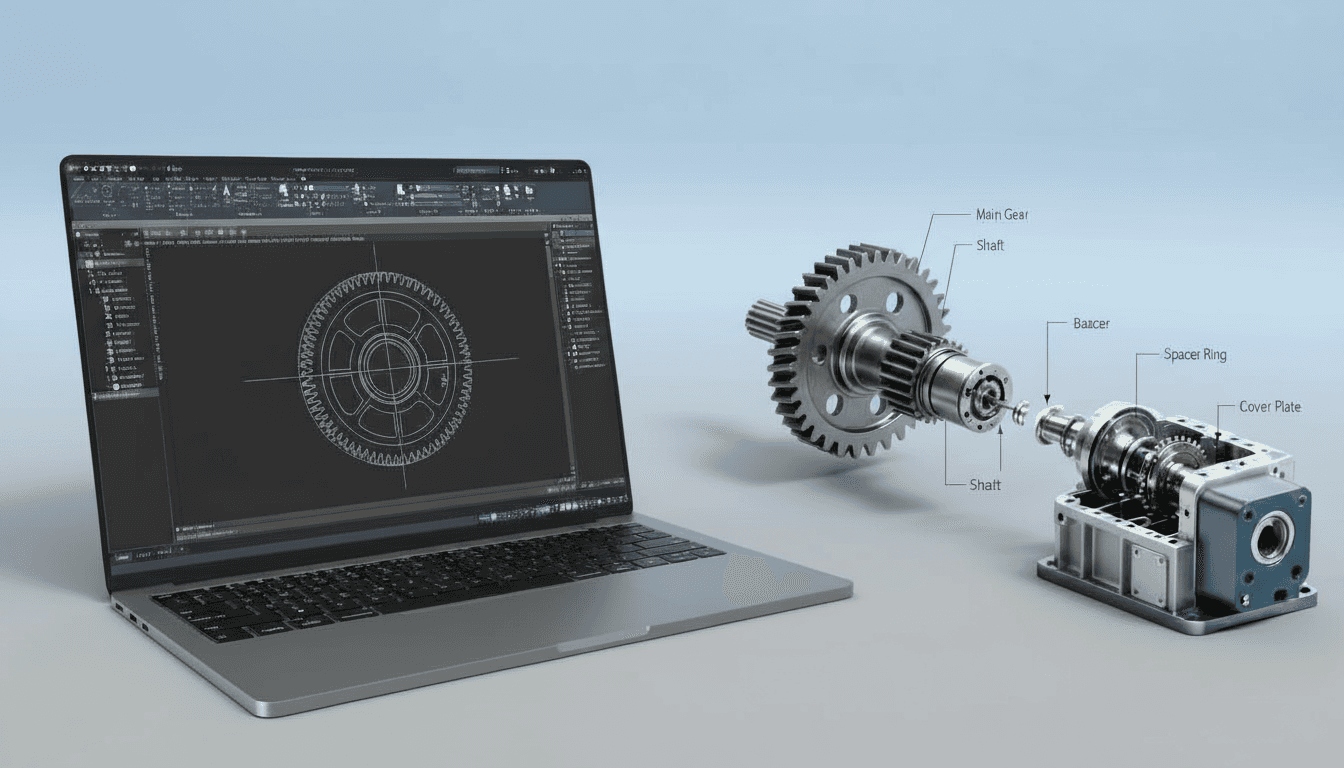
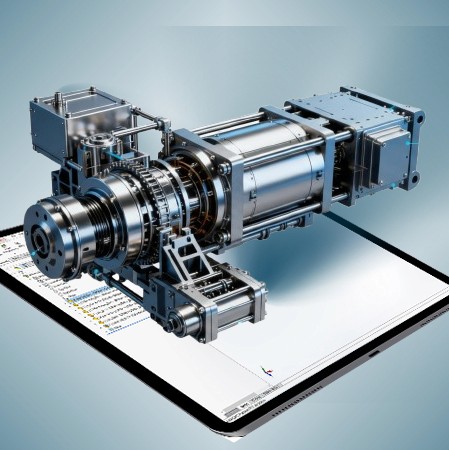
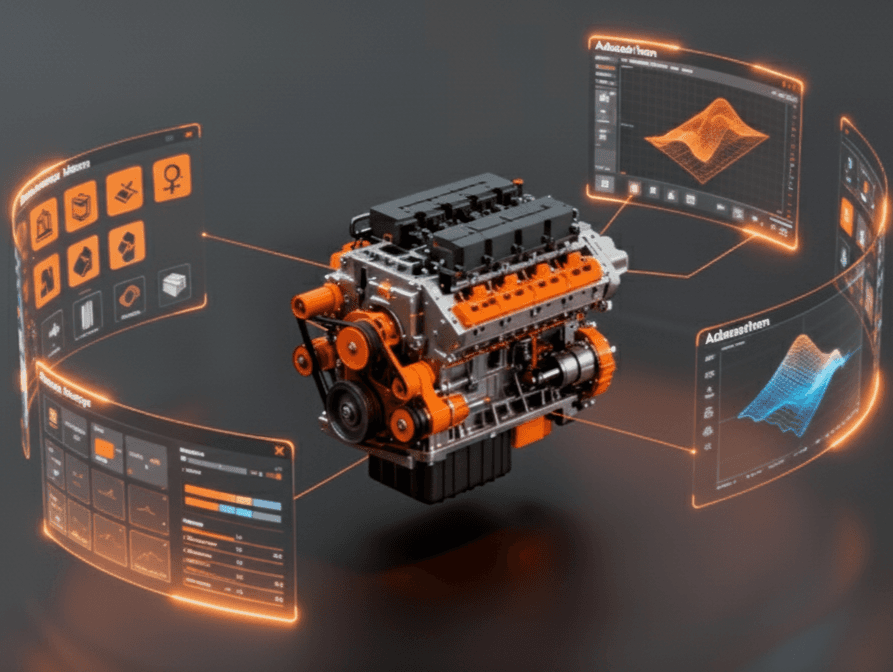
Studio-grade Autodesk Inventor training for mechanical engineers, product designers, and CAD technicians. Project-based workflows, assembly strategies, sheet-metal, simulation prep, and drawing automation to produce manufacturing-ready parts, BOMs, and CNC/3D-print outputs.
Why This Course
Move beyond feature-clicking to design workflows that survive change. This course teaches Inventor best practices used in product development and manufacturing: sketch discipline, model intent, top-down assemblies, sheet-metal, and drawing automation, plus export workflows for CAM and simulation. Emphasis is on repeatable templates, robust part families, and handoffs that reduce rework and speed production.
Who This Course Is For
· Mechanical and product engineers creating manufacturable parts and assemblies
· CAD technicians and detailers preparing production drawings and BOMs
· Sheet-metal and tooling engineers preparing flat patterns and manufacturing outputs
· Freelancers and small teams standardizing Inventor workflows for repeatable delivery
· Students preparing for CAD roles in manufacturing and product design
Curriculum—What You Will Build
Module 1—Project Setup and Sketch Discipline
· Inventor environment, units, templates, naming conventions, and robust sketch strategies for change-resilient parts
Module 2—Parametric Part Modelling
· Feature planning, iLogic essentials, design tables (iPart/iAssembly), patterns, and capturing design intent for configurable families
Module 3—Assemblies and Top-Down Design
· Mate strategies, top-down workflows, frame generator basics, interference checking, and large assembly performance tips
Module 4—Sheet Metal and Fabrication Outputs
· Sheet metal modelling, bend/unbend, flat pattern validation, edge treatments, and export to DXF/NC for laser/press workflows
Module 5—Drawings, BOMs and Documentation Automation
· Automated drawing creation, standard views, sections, ballooning, BOM extraction, titleblock automation, and revision control
Module 6—Simulation Prep and CAM Export
· Simplification for FEA/CFD, export best practices for CAM/STL, tolerance checks, and preparing data for downstream tools
Capstone Project
· Deliver a production package: parametric parts or assembly, detailed drawing set with BOM, validated sheet-metal flat patterns, and CAM/FEA export bundle. Includes mentor critique and final checklist.
Key Features
· Project-Based Lessons aligned with real manufacturing handoffs
· Inventor Templates, iPart/iAssembly Examples, and iLogic starter scripts
· Sheet Metal Toolkit and flat pattern validation checks for fabrication readiness
· Assembly Strategies for performance and top-down configurability
· Drawing Automation, BOM Workflows, and titleblock population best practices
· Export Prep for CAM, CNC, and additive manufacturing with verified checks
· Weekly Live Reviews and optional one-on-one mentorship sessions
· Lifetime Access to recordings, Inventor files, and reusable template packs
Learning Outcomes
· Create robust, parametric Inventor parts that remain stable under redesign
· Implement top-down and family table workflows (iPart/iAssembly) for configurable products
· Produce manufacturing-ready sheet metal parts and validated flat patterns
· Automate drawing production, BOM generation, and revision control for multi-drawing projects
· Prepare CAD data for simulation and CAM with correct simplification and export settings
· Set up company-level templates and standards to reduce errors and speed delivery
Format & Schedule
· Delivery: 100% live online with real-time demos, hands-on exercises, and Q&A
· Options: Small Group Cohort OR 1-on-1 Private Training
· 1-on-1: Flexible scheduling tailored to your project timelines
Similar Topic