NX CAD (Siemens)
Mechanical, electrical
Min Read
Zephyr Collective is a boutique digital marketing agency that has always prided itself on delivering personalized, high-quality services to its clients. However, as their client base began to grow, the team found themselves spending too much time on manual processes like data entry, client communication, and campaign management. The inefficiencies were beginning to slow their growth and affect their ability to focus on creative strategies.
Course Overview
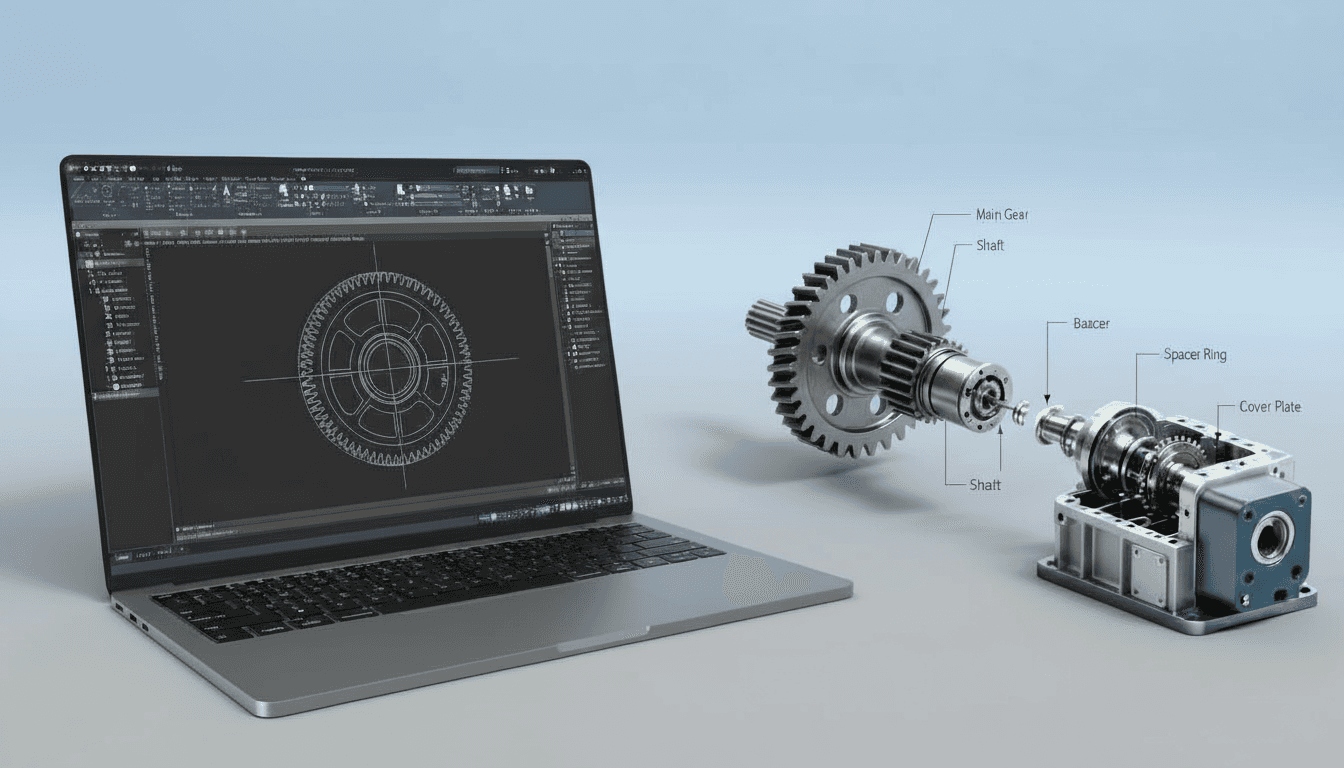
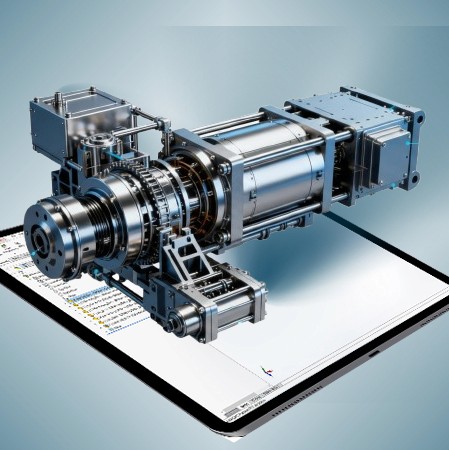
Studio-grade NX CAD training for mechanical engineers, product designers, and CAD technicians. Learn robust part and assembly modelling, advanced surfacing, sheet-metal, drafting automation, and manufacturing exports to produce production-ready geometry and downstream CAM/PLM deliverables.
Why This Course
NX CAD is an industry-grade system used for complex product development, tooling, and manufacturing. This course teaches practical NX workflows that combine parametric and synchronous modelling, high-quality surfacing, assembly management, and production export best practices. Emphasis is on design intent, model robustness, repeatable templates, and preparing CAD for CAM, simulation, and PLM so your designs move smoothly from concept to manufacture.
Who This Course Is For
· Mechanical and product engineers delivering parts and assemblies for manufacture
· Industrial and automotive designers needing advanced surfacing and Class-A finishes
· CAD technicians and detailers responsible for drawings, BOMs, and export prep
· Tooling, mould, and fixture engineers preparing manufacturing geometry and NC data
· Small teams adopting NX for standardized CAD practices and PLM integration
Curriculum—What You Will Build
Module 1—Foundations and Project Setup
· NX interface, units, and layer/attribute conventions; project templates, file naming, and master modelling checklist
Module 2—Parametric Part Modelling
· Sketch discipline, feature intent, robust parametric workflows, patterns, design tables, and topologies for manufacturable parts
Module 3—Synchronous Modeling and Direct Edits
· When to use synchronous vs ordered modelling; quick edits, geometry repair, and efficient downstream edits for late design changes
Module 4—Advanced Surfacing (Synchronous and Parasolid)
· Curve networks, lofts, boundary and ruled surfaces, fillet strategies, and surface-to-solid transitions for high-quality product exteriors
Module 5—Sheet Metal and Fabrication Workflows
· Sheet metal design, bend/unbend sequences, flat pattern exports, and interfacing with press-tool and laser workflows
Module 6—Assemblies, Kinematics and Large Assembly Strategies
· Top-down and bottom-up assembly workflows, constraints/mates, lightweight representations, interference checking, and basic kinematic motion studies
Module 7—Drafting, GD&T and BOM Automation
· Automated drawing creation, multiple views, sections, GD&T fundamentals, custom titleblocks, and BOM/attribute export for PLM
Module 8—Manufacturing Exports and CAM Prep
· Preparing models for CAM/NC, STEP/IGES exports, PMI/metadata practices, STL prep for additive manufacturing, and validation checks before handoff
Capstone Project
· Deliver a production package: parametric part(s) or surface-centric product, assembled model with interference/kinematic check, full drawing set, and export bundle ready for manufacturing and PLM ingestion. Includes mentor critique and a final export checklist.
Key Features
· Project-Based Lessons mirroring industry projects and handoffs
· Dual Modelling Approach: Parametric + synchronous workflows and decision guidelines
· Class-A Surfacing Techniques with practical surface repair and transitions
· Sheet Metal Toolkit and flat pattern export for fabrication readiness
· Large Assembly Performance Strategies and kinematic checks for functional validation
· Drafting Automation, GD&T Basics, and BOM export templates for PLM compatibility
· Manufacturing Readiness: CAM export best practices, error checks, and STL/CNC prep
· Weekly Live Reviews and optional one-on-one mentorship sessions
· Lifetime Access to recordings, NX templates, part/assembly examples, and export checklists
Learning Outcomes
· Build robust NX parts using parametric and synchronous modelling with clear design intent
· Create and control advanced surfaces suitable for high-quality product finishes and tooling
· Assemble large systems efficiently and validate motion/interference before prototyping
· Produce automated, manufacturing-ready drawings with GD&T and PLM-friendly BOM exports
· Prepare CAD data for CAM/NC and additive manufacturing with verified export practices
· Implement company-level CAD standards and templates to reduce rework and accelerate delivery
Format & Schedule
· Delivery: 100% live online with real-time screen sharing, demos, and Q&A
· Options: Small Group Cohort OR 1-on-1 Private Training
· 1-on-1: Flexible scheduling tailored to project timelines and learning goals
Similar Topic