Lumion
Civil, Architectural and interior design
Min Read
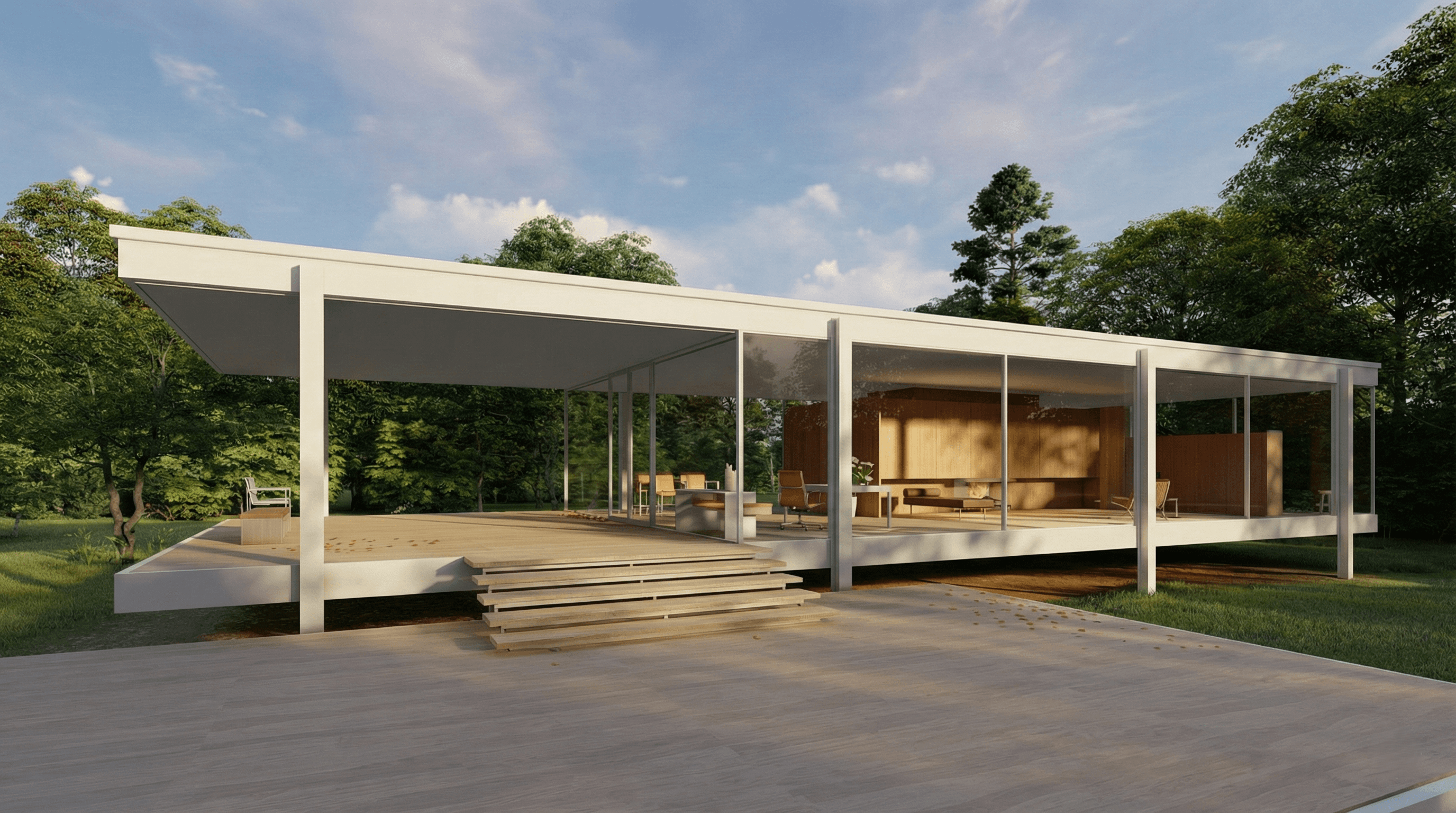
Fast, beautiful architectural visualisation using Lumion. Learn real‑time scene building, landscape design, lighting, weather effects and cinematic output to produce client‑ready renders and walkthroughs quickly. Project‑based lessons, one‑on‑one mentorship and downloadable scene files to build portfolio‑ready visuals.
Course Overview
Fast, beautiful architectural visualisation using Lumion. Learn real-time scene building, landscape design, lighting, weather effects, and cinematic output to produce client-ready renders and walkthroughs quickly. Project-based lessons, one-on-one mentorship, and downloadable scene files to build portfolio-ready visuals.
Why This Course
Lumion is about speed and storytelling. This course teaches studio workflows that turn models into immersive visuals in hours instead of days. You'll learn efficient import pipelines, scene composition, realistic environments, cinematic lighting, and fast post-production techniques that scale from single images to walkthrough movies. Focus is on practical templates and presets that cut production time while keeping results professional.
Who This Course Is For
· Architects and interior designers who need quick, high-quality client visuals
· Visualisers who want faster turnarounds for stills and walkthroughs
· Landscape architects and urban designers creating context-rich environments
· Freelancers producing presentation renders and short videos for clients
· Studio teams standardising real-time workflows and asset libraries
Key Features
· Rapid Real-Time Workflows from model import to final render
· Environment and Landscape Tools for context-rich scenes
· Cinematic Camera, Animation, and timelapse techniques for compelling storytelling
· Performance Techniques: Proxies, population, LOD, and scene optimization
· Built-In Post-Production: Effects stack, color grading, and output templates
· Weekly Live Reviews and optional one-on-one mentorship sessions
· Downloadable Scene Files, Asset Packs, and render presets
· Lifetime Access to recordings and resources
Learning Outcomes
· Import and optimize models from common CAD/BIM tools for Lumion scenes
· Create believable environments with vegetation, terrain, and weather systems
· Light scenes for mood and realism using Lumion's lighting and volumetric tools
· Produce cinematic camera animations and export walkthrough videos with minimal render time
· Use Lumion's post-production tools to fine-tune images and sequences for presentation
· Deliver portfolio-ready stills and short animations suitable for clients and studios
Format & Schedule
· Delivery: 100% live online with real-time screen sharing, demos, and Q&A
· Options: Small Group Cohort OR 1-on-1 Private Training
· 1-on-1: Flexible scheduling tailored to your project deadlines
Similar Topic