V-Ray for 3ds Max
Civil, Architectural and interior design
Min Read
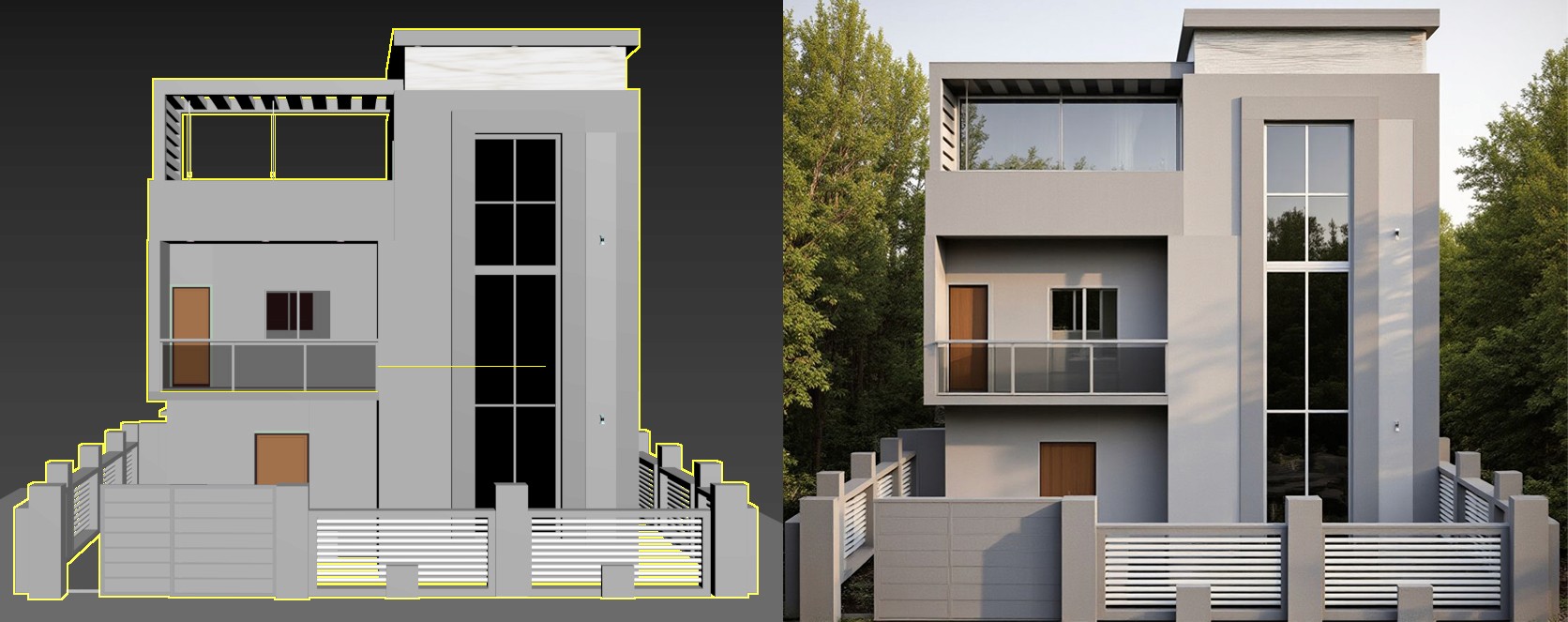
Studio‑grade V‑Ray training inside 3ds Max for architectural visualisers, interior designers and motion artists. Learn physically based lighting, material authoring, render optimisation and multi‑pass compositing to produce portfolio‑ready stills and walkthroughs.
Course Overview
Studio-grade V-Ray training inside 3ds Max for architectural visualisers, interior designers, and motion artists. Learn physically based lighting, material authoring, render optimisation, and multi-pass compositing to produce portfolio-ready stills and walkthroughs.
Project Modules—What You Will Build
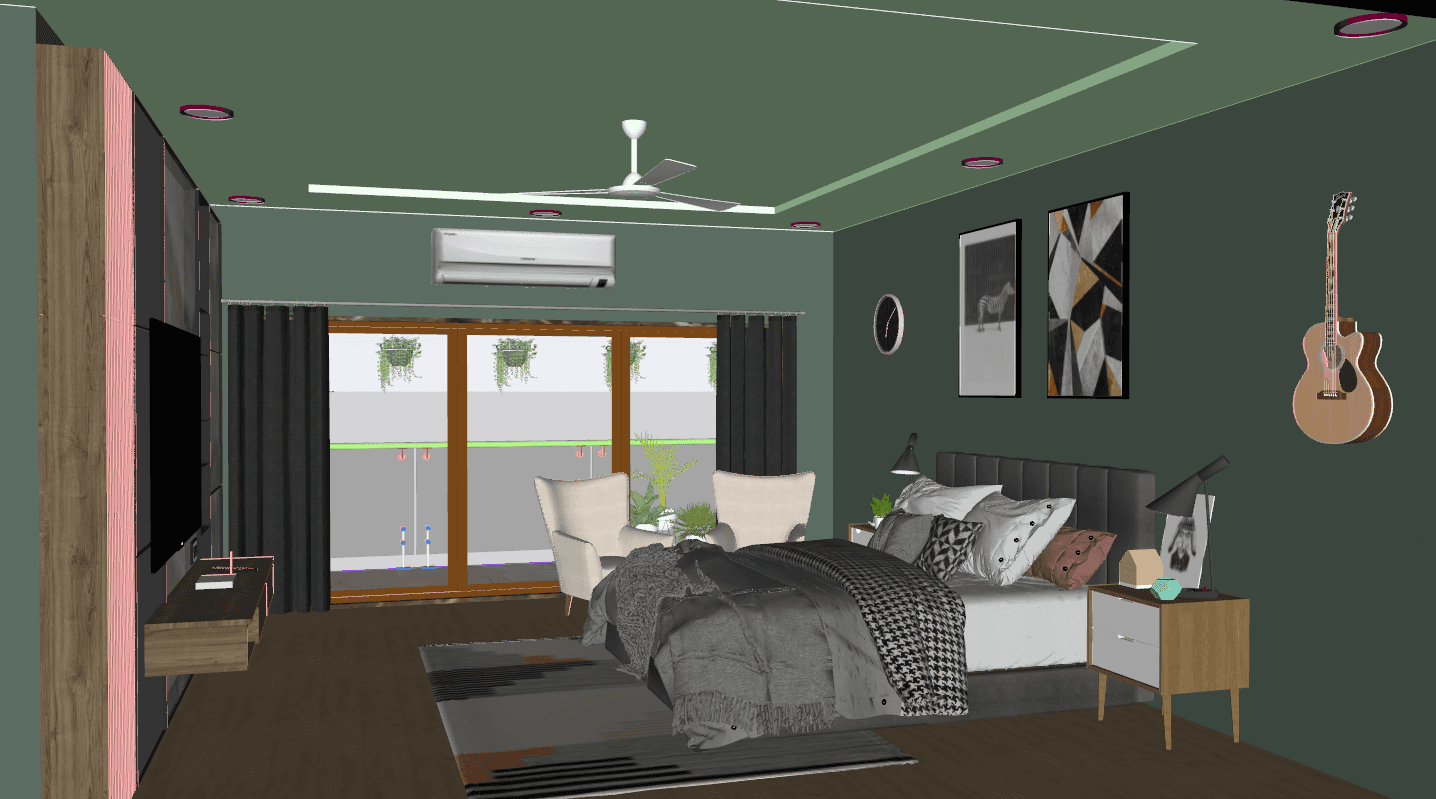
· Concept Lighting and Look Development: Rapid interior/exterior lighting studies, HDRI matching, and look palettes for mood tests
· Material Authoring and Texture Workflows: Flooring, walls, panels, and textures
· Production Render Setup and Optimisation: V-Ray settings for progressive and bucket render modes, proxy workflows, memory profiling, and AOV configuration for clean comps
· Animation and Walkthrough Rendering: Camera animation setup, motion blur/exposure control, render caching, and frame sequence export strategies
Key Features
· Project-Based Curriculum from lookdev to final composite
· V-Ray Scene Templates and optimized preset libraries for 3ds Max
· PBR Material Authoring and Substance/texture integration
· Proxy and Instance Workflows for large scenes and furniture libraries
· Render Farm Best Practices and batch rendering techniques
· Weekly Live Critiques and optional one-on-one mentorship sessions
· Downloadable Scene Files, HDRI Packs, Material Libraries, and comp templates
· Lifetime Access to recordings and assets
Who This Course Is For
· Architectural and interior visualisers producing client deliveries
· 3D artists and motion designers for renders and animations
· Freelancers standardising asset libraries and render pass workflows
· Students aiming for production skills that translate to studio roles
· Studio leads wanting consistent, optimised render outputs from their teams
Learning Outcomes
· Set up production-grade V-Ray scenes in 3ds Max for interiors, exteriors, and animations
· Prepare render batches for local or farm rendering and composite passes into final images or sequences
· Deliver portfolio-ready stills and walkthroughs with repeatable quality
Format & Schedule
· Delivery: 100% live online with real-time demos, Q&A, and files for practice
· Options: Small Group Cohort OR 1-on-1 Private Training
· 1-on-1: Flexible scheduling for focused project work and accelerated outcomes
Capstone Project
· Final Deliverable: A production render package—cleaned model, PBR materials, optimised V-Ray scene, final image, or 10–30s walkthrough video ready for your portfolio
· Mentored Review: Live critique covering lighting, materials, render optimisation, and compositing; premium students receive an extended one-on-one feedback session
· Outcome: Publishable portfolio asset and downloadable scene/export files
Similar Topic