V-Ray for SketchUp
Civil, Architectural and interior design
Min Read
Studio‑grade V‑Ray for SketchUp training for architects, interior designers and visualisers. Learn practical lighting, materials and render workflows to produce photoreal stills and quick walkthroughs. Project‑based lessons, one‑on‑one mentorship and downloadable scene files to build portfolio‑ready renders.
Course Overview
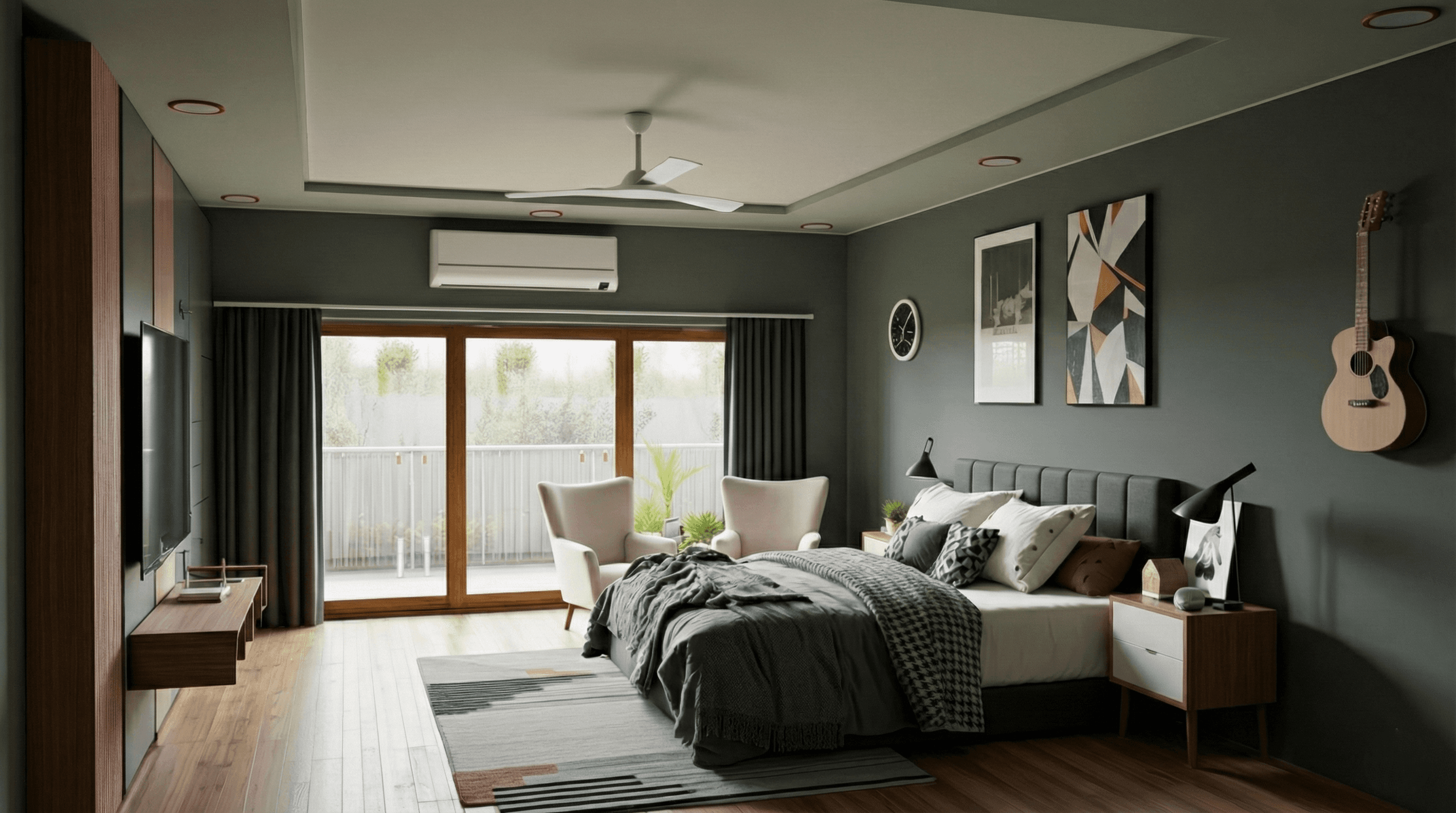
Studio-grade V-Ray for SketchUp training for architects, interior designers, and visualisers. Learn practical lighting, materials, and render workflows to produce photoreal stills and quick walkthroughs. Project-based lessons, one-on-one mentorship, and downloadable scene files to build portfolio-ready renders.
Project Modules—What You Will Build
· Concept Lighting & Quick Visuals: Fast interior/exterior lighting setups for mood studies and client previews; HDRI and sun matching for site context
· Materials, Textures & PBR Workflow: Create realistic materials using PBR maps, trim sheets, and layered materials; integrate Substance/texture maps for realism
· Production Renders & Post Processing: Set up render elements (AOVs), denoise, and composite for final polish; produce final stills and short flythrough exports
· Optional: Animation & Interactive Outputs: Basic camera animation, render optimisation for frame sequences, and export settings for walkthrough videos or web viewers
Key Features
· Project-Based Curriculum: Interiors, exteriors, and presentation renders
· V-Ray Scene Templates and optimized render presets for SketchUp
· PBR Material Authoring and texture-map workflows
· HDRI, IES, and photometric lighting techniques for realistic illumination
· Render Elements (AOVs) and compositing workflow for final polish
· Performance Optimisation: Proxies, instances, and progressive vs bucket strategies
· Weekly Live Reviews and optional one-on-one mentorship sessions
· Downloadable SKP Scenes, Texture Packs, and composite AOV templates
· Lifetime Access to recordings and assets
Who This Course Is For
· Architects and interior designers who need client-ready visual presentations
· SketchUp users who want to add photoreal renders to their workflow
· Visualisers and freelancers producing portfolio stills and walkthroughs
· Studio artists seeking repeatable, optimized V-Ray pipelines for faster delivery
Learning Outcomes
· Set up studio-quality V-Ray scenes inside SketchUp for interiors and exteriors
· Create realistic PBR materials and manage texture maps efficiently
· Use HDRI, sun/sky, and IES lighting to match real site conditions
· Configure render elements (AOVs) and composite renders for professional results
· Optimise scenes with proxies and instances to reduce render times without losing detail
· Produce portfolio-ready stills and short walkthrough videos ready for client review
Format & Schedule
· Delivery: 100% live online with real-time screen sharing, demos, and Q&A
· Options: Small Group Cohort OR 1-on-1 Private Training
· 1-on-1: Flexible scheduling to suit your project deadlines
· Includes: Recorded sessions, SKP scene files, texture packs, render presets, and compositing templates
Capstone Project
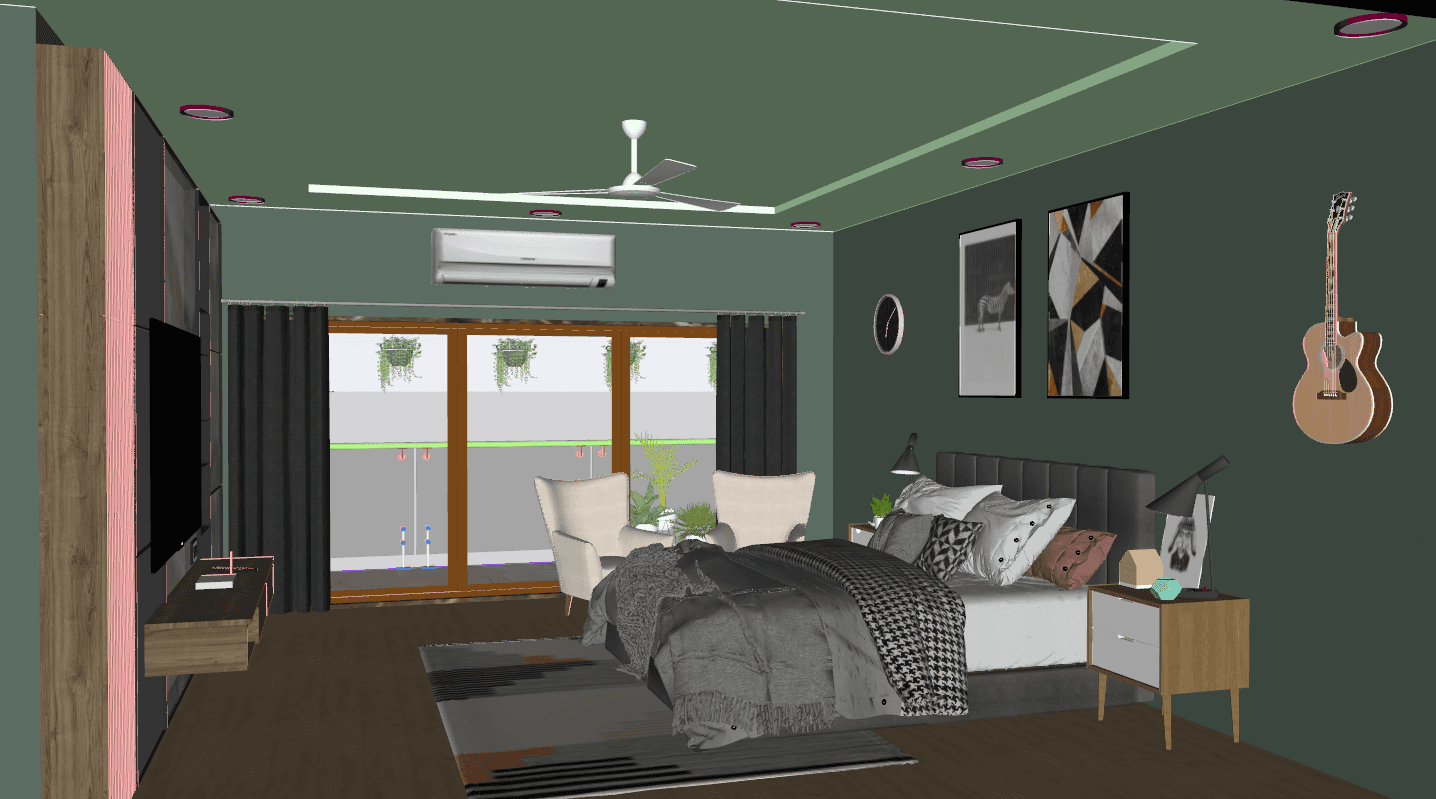
· Final Deliverable: A polished interior or exterior visualization including optimized scene, PBR materials, multi-pass renders (AOVs), and a final composited image or short walkthrough video suitable for your portfolio
· Mentored Review: Live critique of composition, lighting, material realism, and render optimisation. Premium students receive an extended one-on-one session focused on portfolio improvements
Similar Topic